Skip to content
LR Presets Pro
  • Preset Recipes
  • Lightroom Basics
  • Mobile Editing
  • Color Grading
  • Photography Tips
  • About

Lightroom Basics

Install presets, make your own and understand how Lightroom presets and profiles actually work.

How to Install Lightroom Presets on Desktop (Classic and CC)
September 28, 2026 by LR Presets Pro Editorial
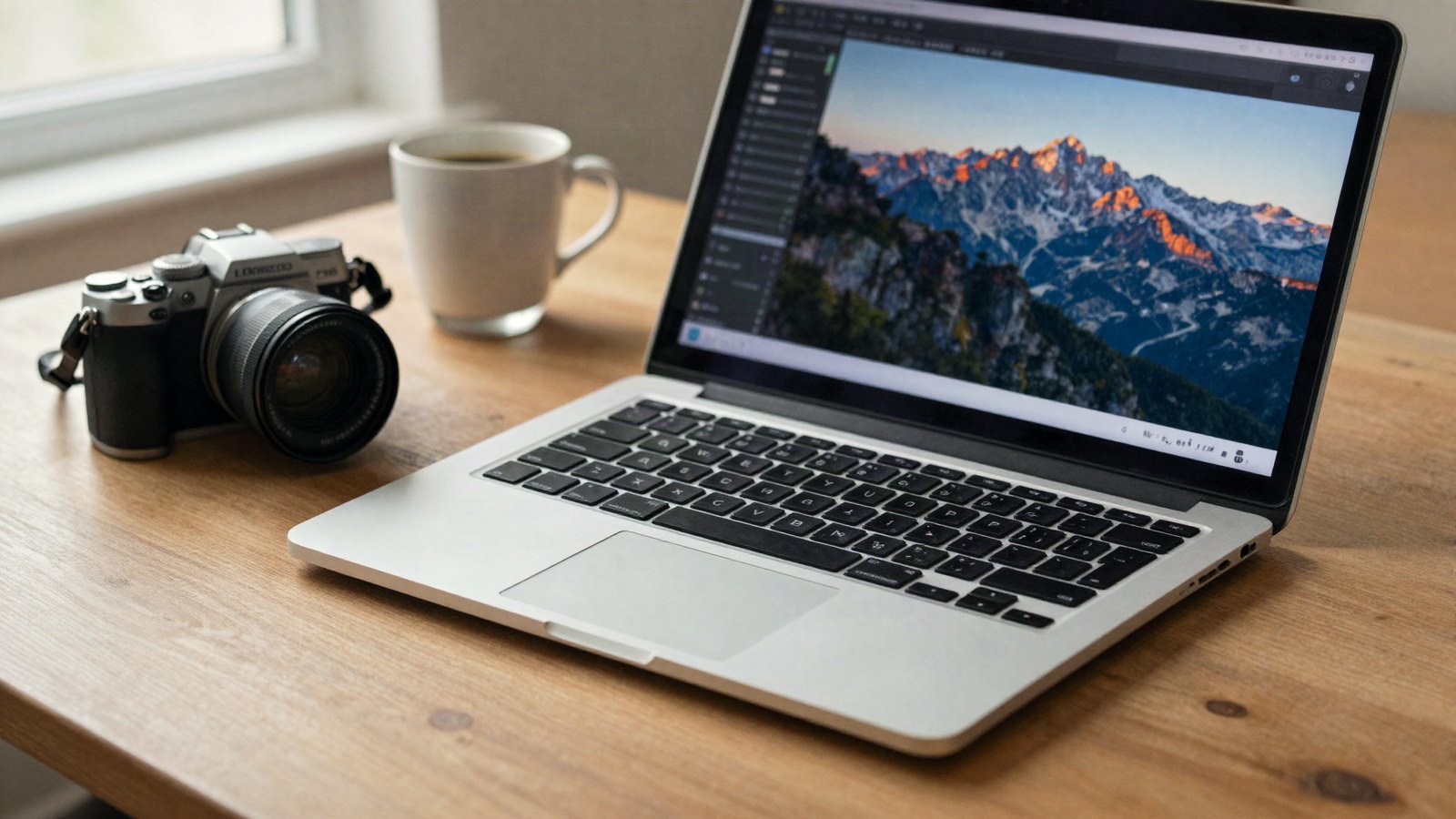
A laptop on a wooden desk beside a camera and a cup of coffee, soft window light falling across the keyboard

Import .xmp, .zip and legacy .lrtemplate presets in Lightroom Classic and Lightroom desktop, and fix presets that will not show up.

Categories Lightroom Basics Tags install presets, lightroom classic, xmp presets
Newer posts
← Previous Page1 Page2
LR Presets Pro

Free Lightroom preset recipes, exact slider settings and plain-English editing guides for Lightroom Classic, Lightroom desktop and Lightroom mobile.

LR Presets Pro is an independent site and is not affiliated with or endorsed by Adobe. Adobe and Lightroom are trademarks of Adobe Inc.

Topics

  • Preset Recipes
  • Lightroom Basics
  • Mobile Editing
  • Color Grading
  • Photography Tips

Site

  • About Us
  • Contact Us
  • Privacy Policy
  • Terms of Use
  • Disclaimer
  • Cookie Policy
© 2026 LR Presets Pro. All rights reserved.

We use cookies for basic site features and to show ads. Learn more