Build Your Own Lightroom Preset Pack: Base Plus Variations
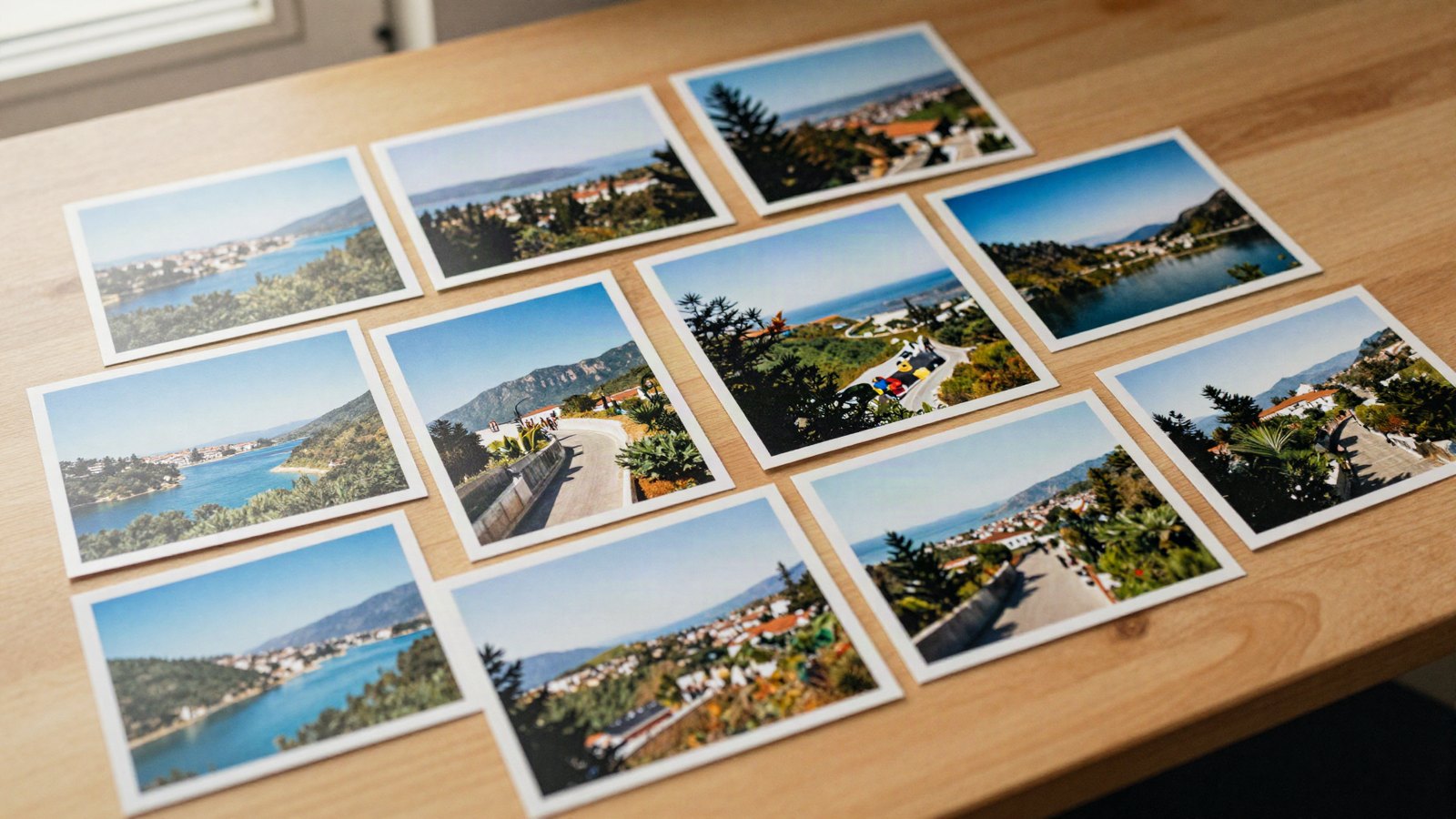
Turn one look into a consistent family: a base preset, small controlled variations, names that sort themselves and a 20-photo test set.
Free Lightroom preset recipes with exact slider settings you can copy, plus a free .xmp download for every look.
Turn one look into a consistent family: a base preset, small controlled variations, names that sort themselves and a 20-photo test set.
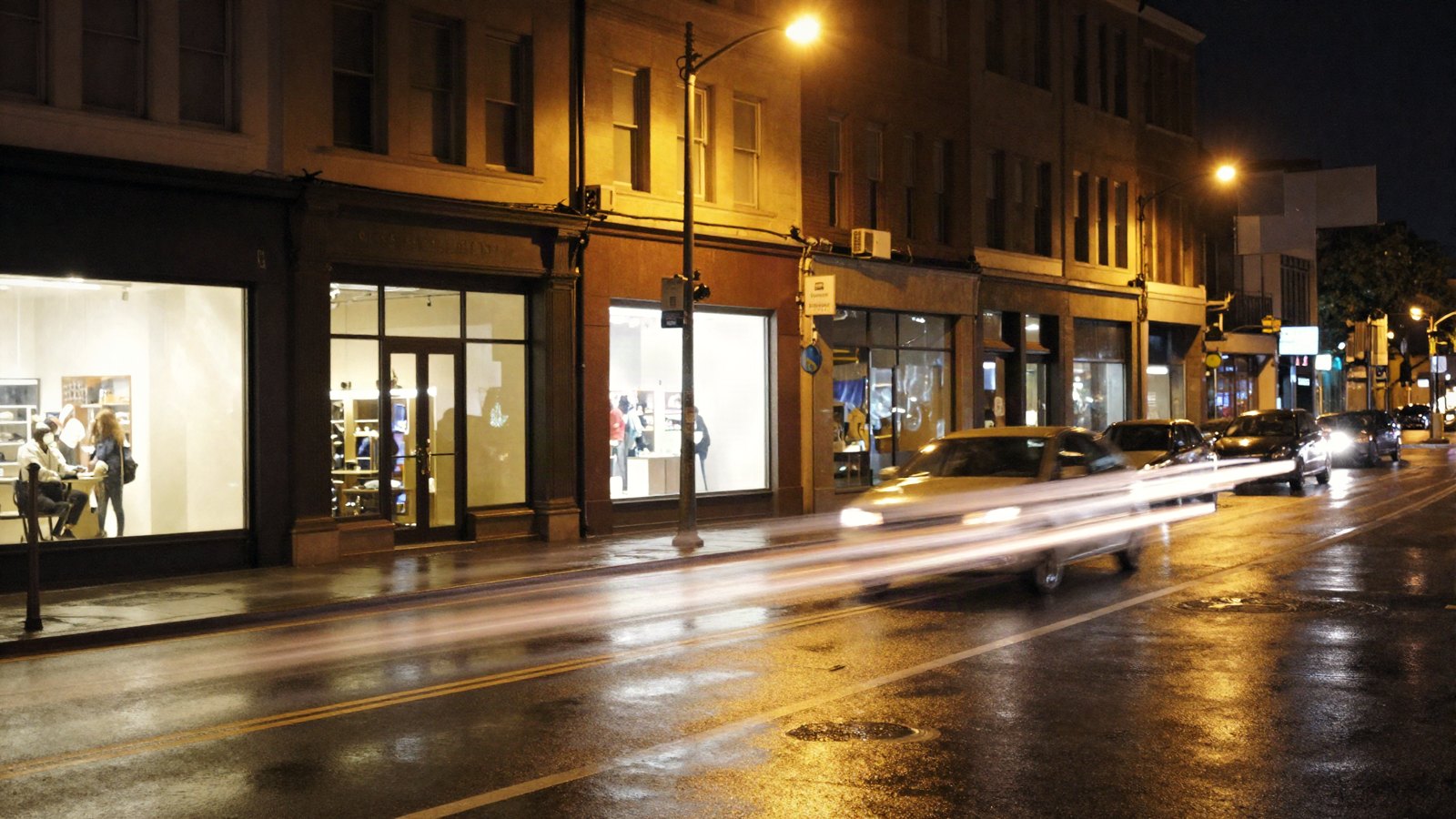
Daylight presets struggle after dark. Here is the order that works for night and city-light photos: noise, preset, white balance, highlights, masks.
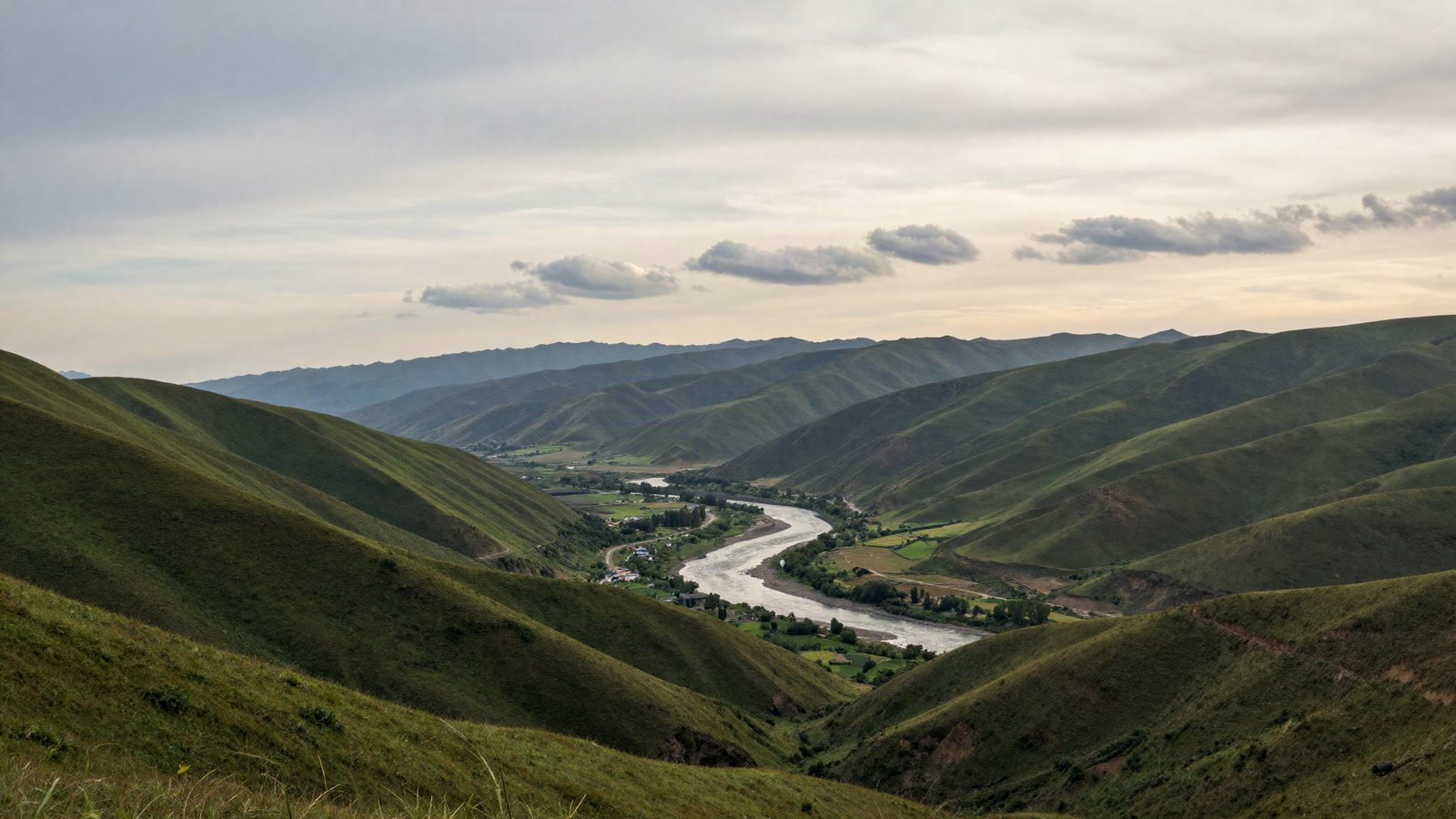
Apply a landscape preset, then fix what it can’t: a washed-out sky, neon greens and flat haze, with starting values for each.

Keep skin natural when you use presets on portraits: white balance, Orange in HSL, People masks, gentle softening and a quieter background.
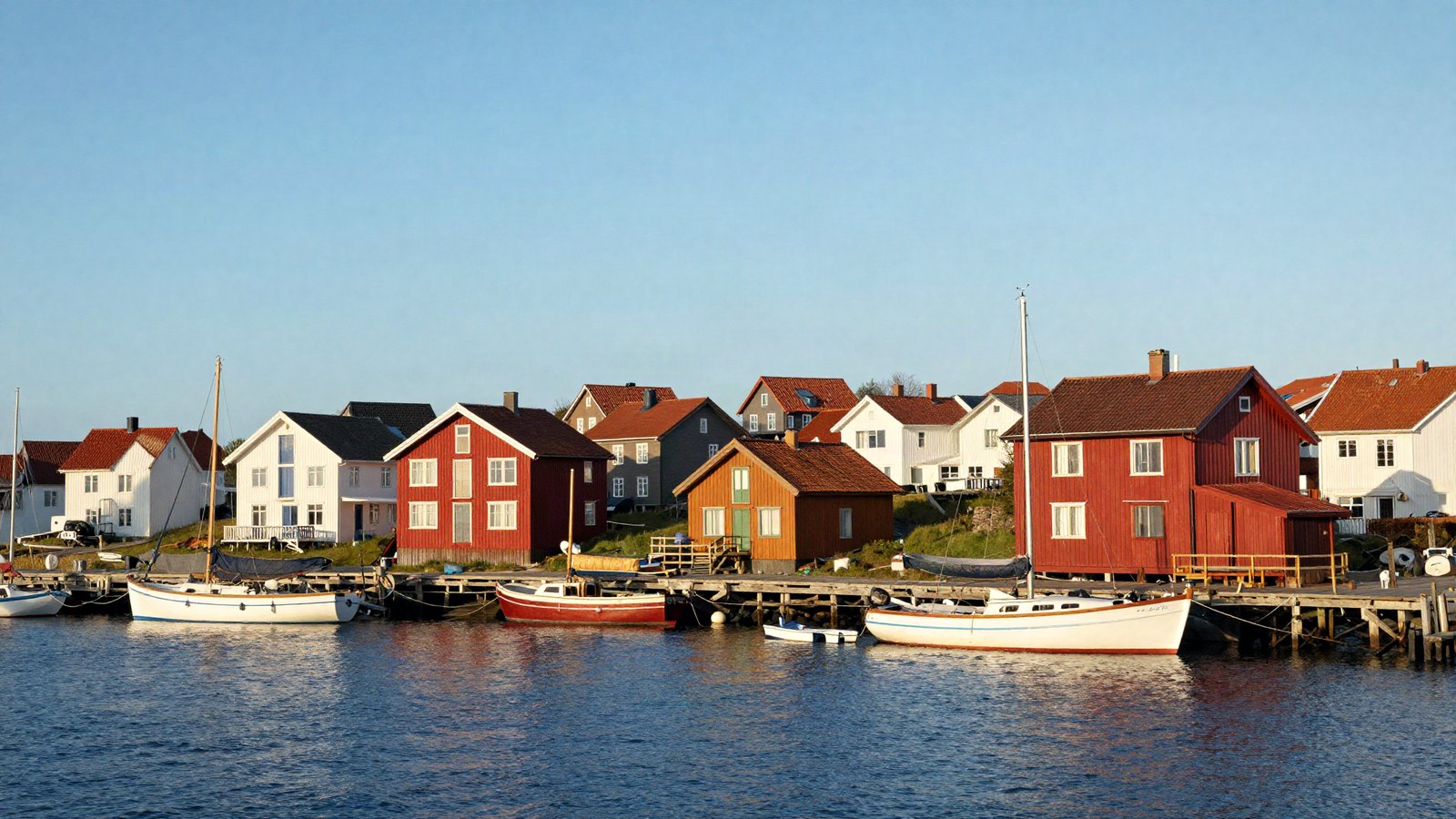
The full preset workflow we use on almost every photo, from picking a preset and setting its Amount to masks, finishing touches and export.
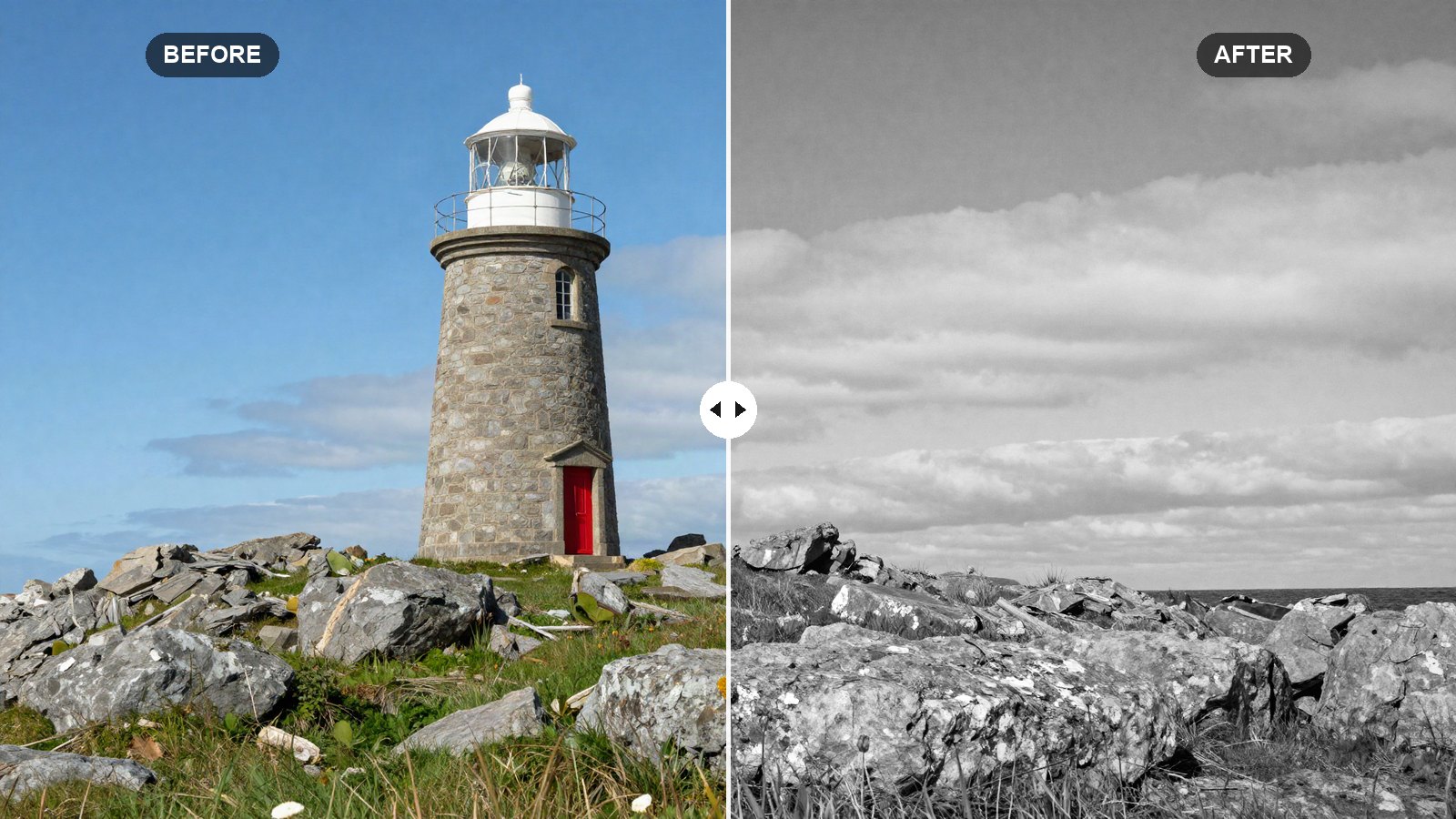
Our rich black and white Lightroom recipe, with exact tone, curve and B&W Mix values that turn colors into strong, separated shades of gray.
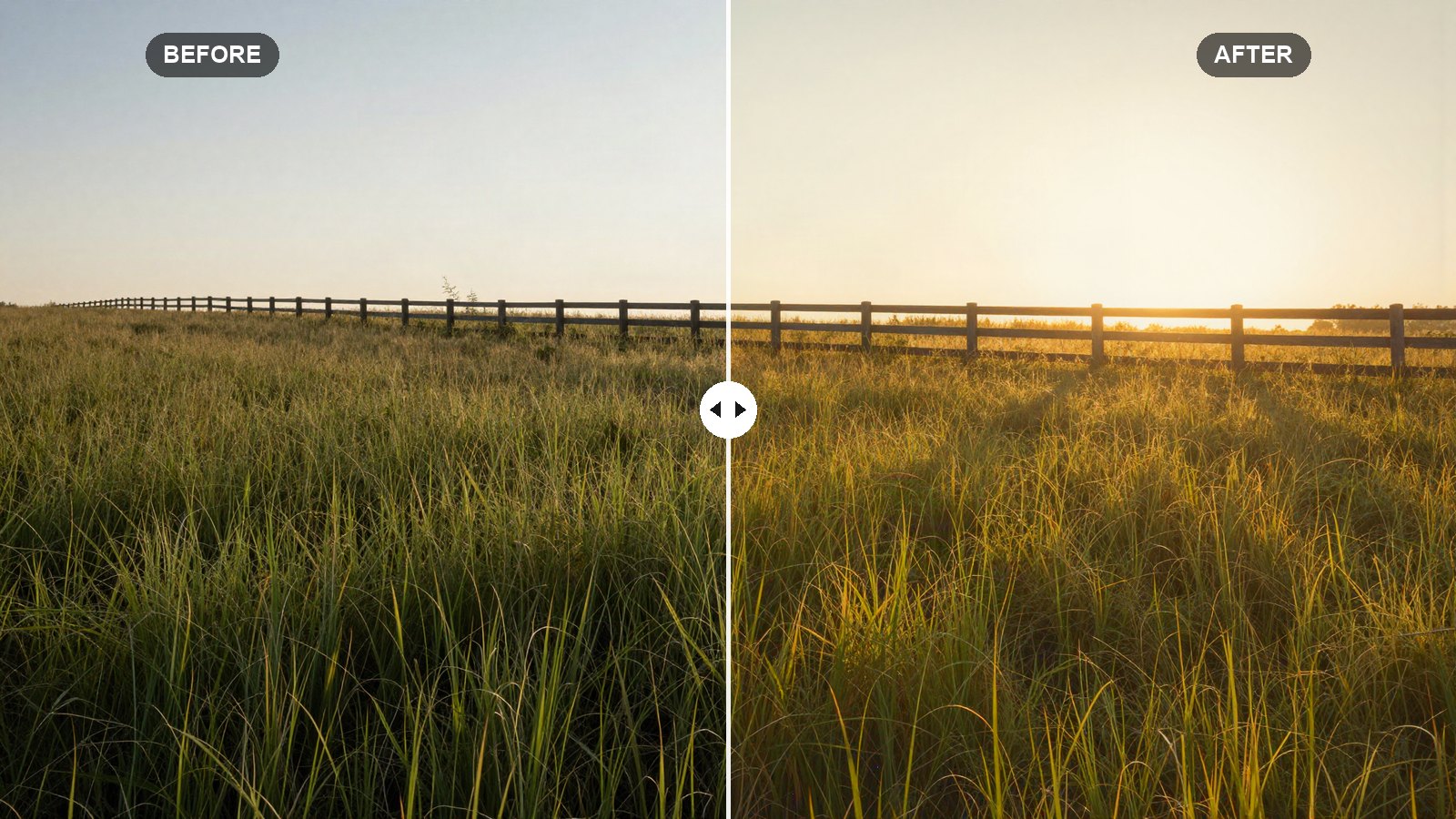
Exact Lightroom values for a soft, warm golden hour glow, with tips to boost real sunset light and add warmth to photos shot earlier in the day.
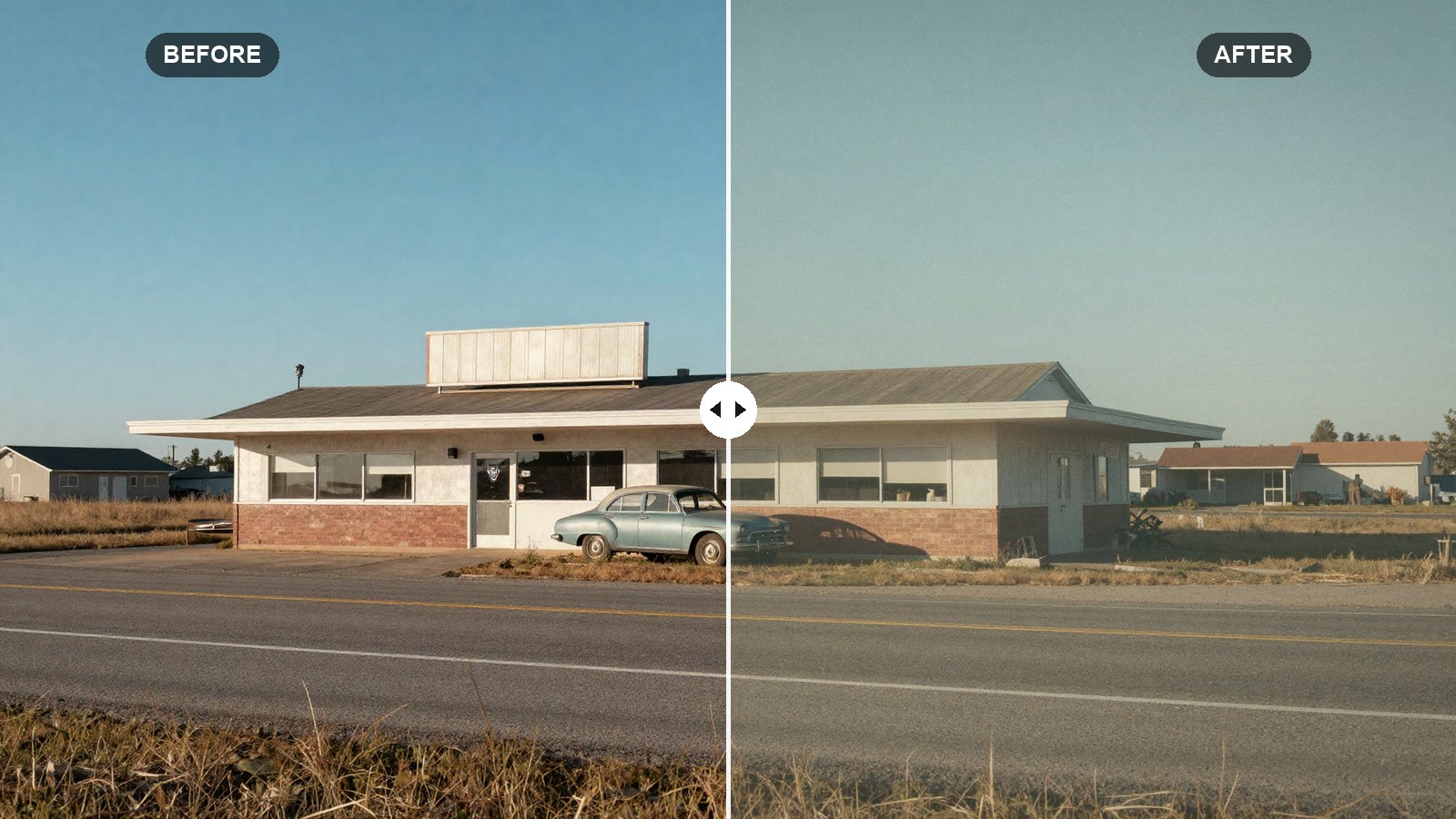
Faded blacks, warm highlights, muted blues and real grain: the exact Lightroom values we use for a warm vintage film look, explained slider by slider.
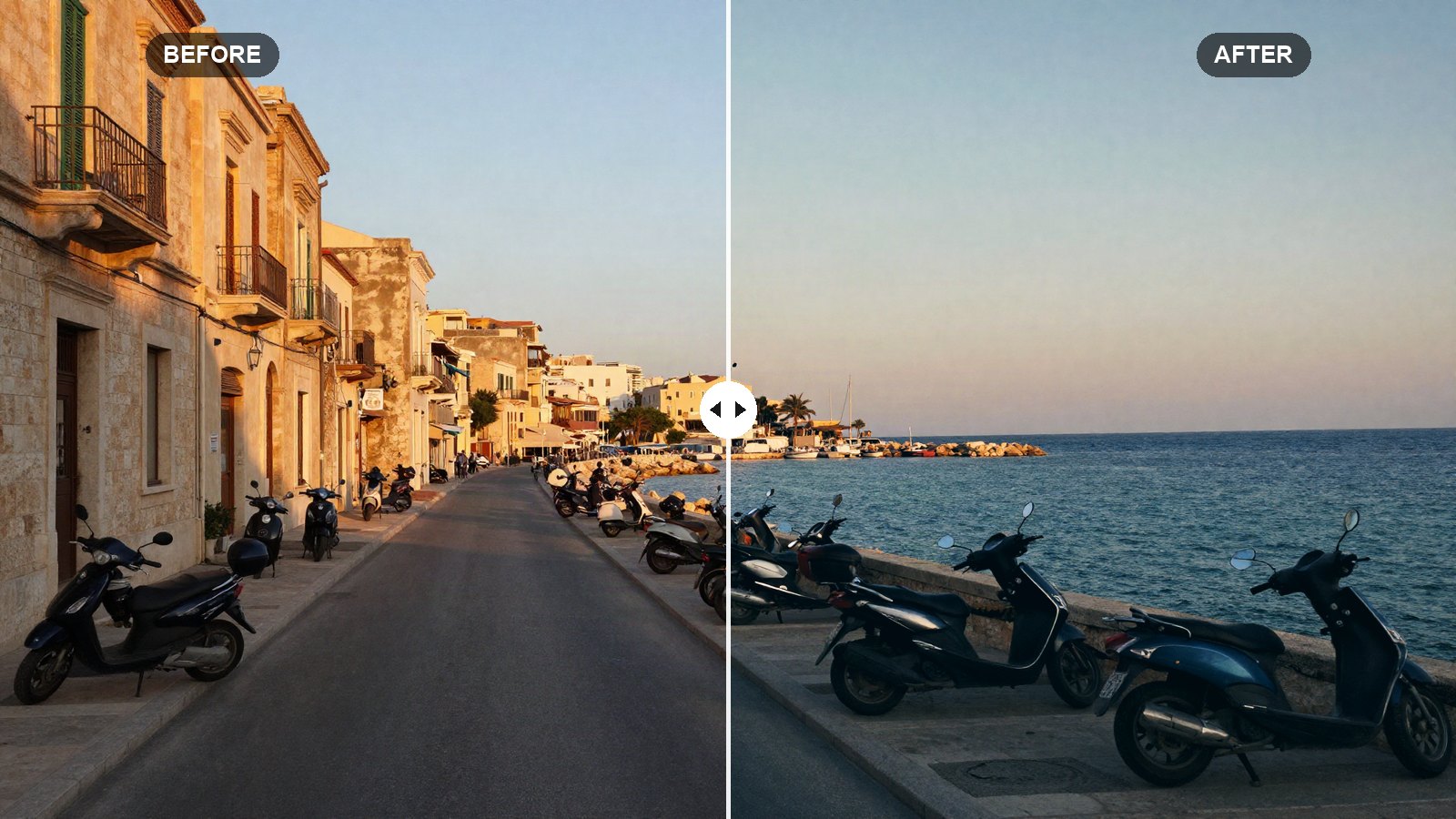
A slider-by-slider orange and teal recipe for Lightroom that gives city, travel and portrait shots a cinematic look without turning skin orange.
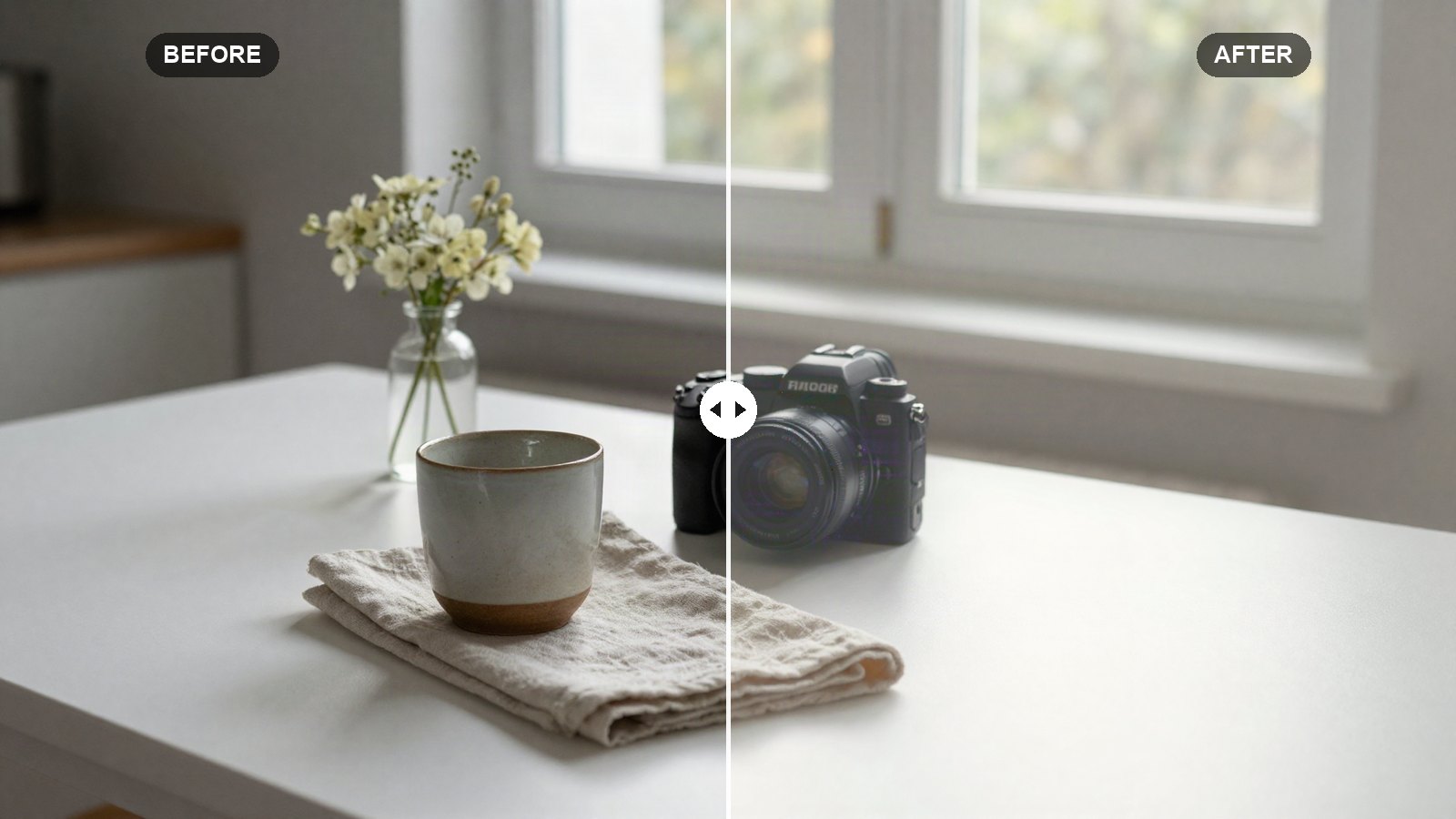
Copy our bright and airy Lightroom recipe, slider by slider, for clean whites, soft shadows and gentle pastel color on any well-lit photo.
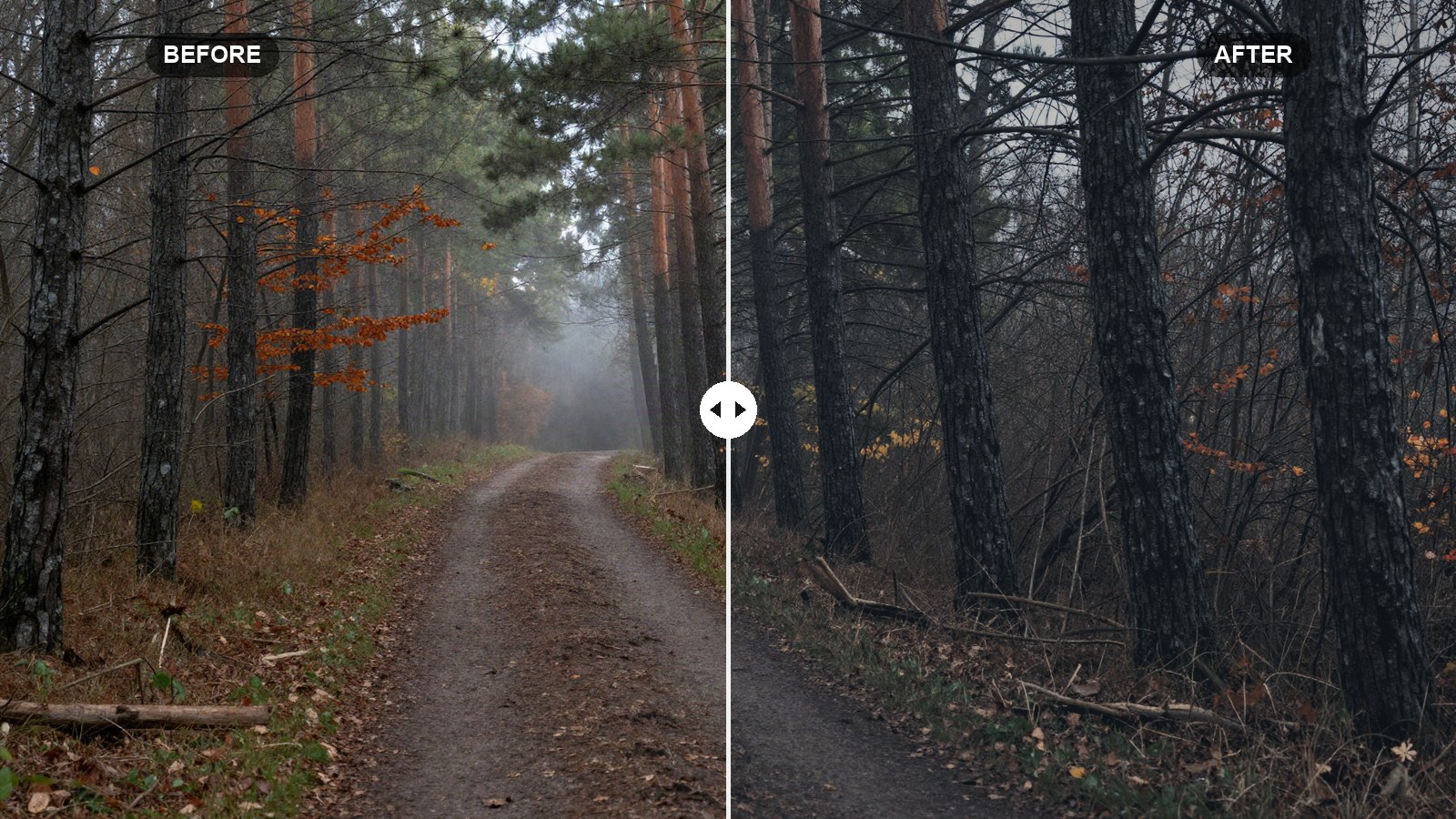
Exact slider values for a dark, muted, moody look in Lightroom, with the reasoning behind each setting and how to adapt it to your own photos.