How to Create Your Own Lightroom Preset (Step by Step)
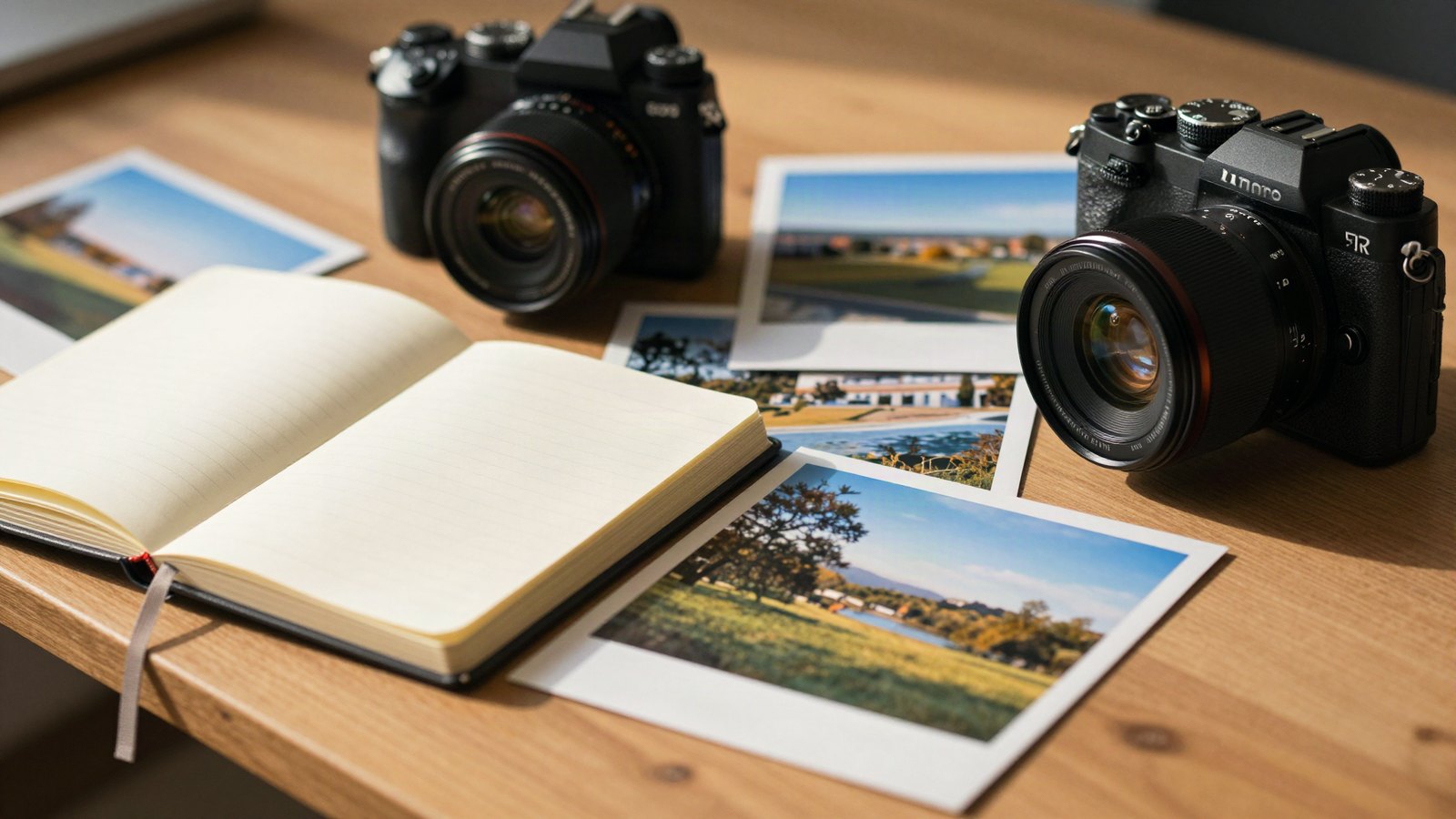
Save your own Lightroom presets, choose the right settings to include, and keep a growing collection organized and backed up.
 LR Presets Pro Editorial
Save your own Lightroom presets, choose the right settings to include, and keep a growing collection organized and backed up.
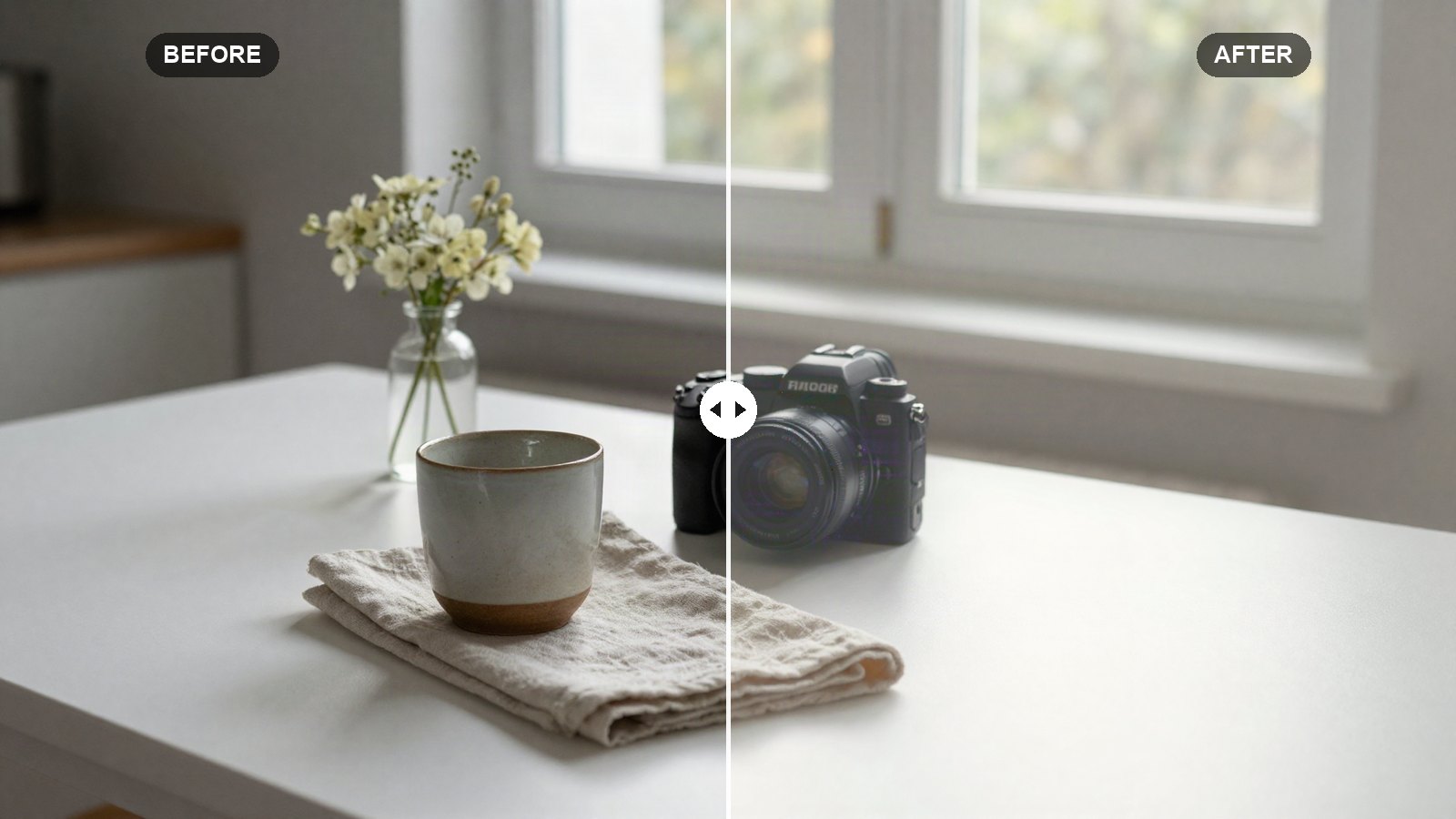
Copy our bright and airy Lightroom recipe, slider by slider, for clean whites, soft shadows and gentle pastel color on any well-lit photo.
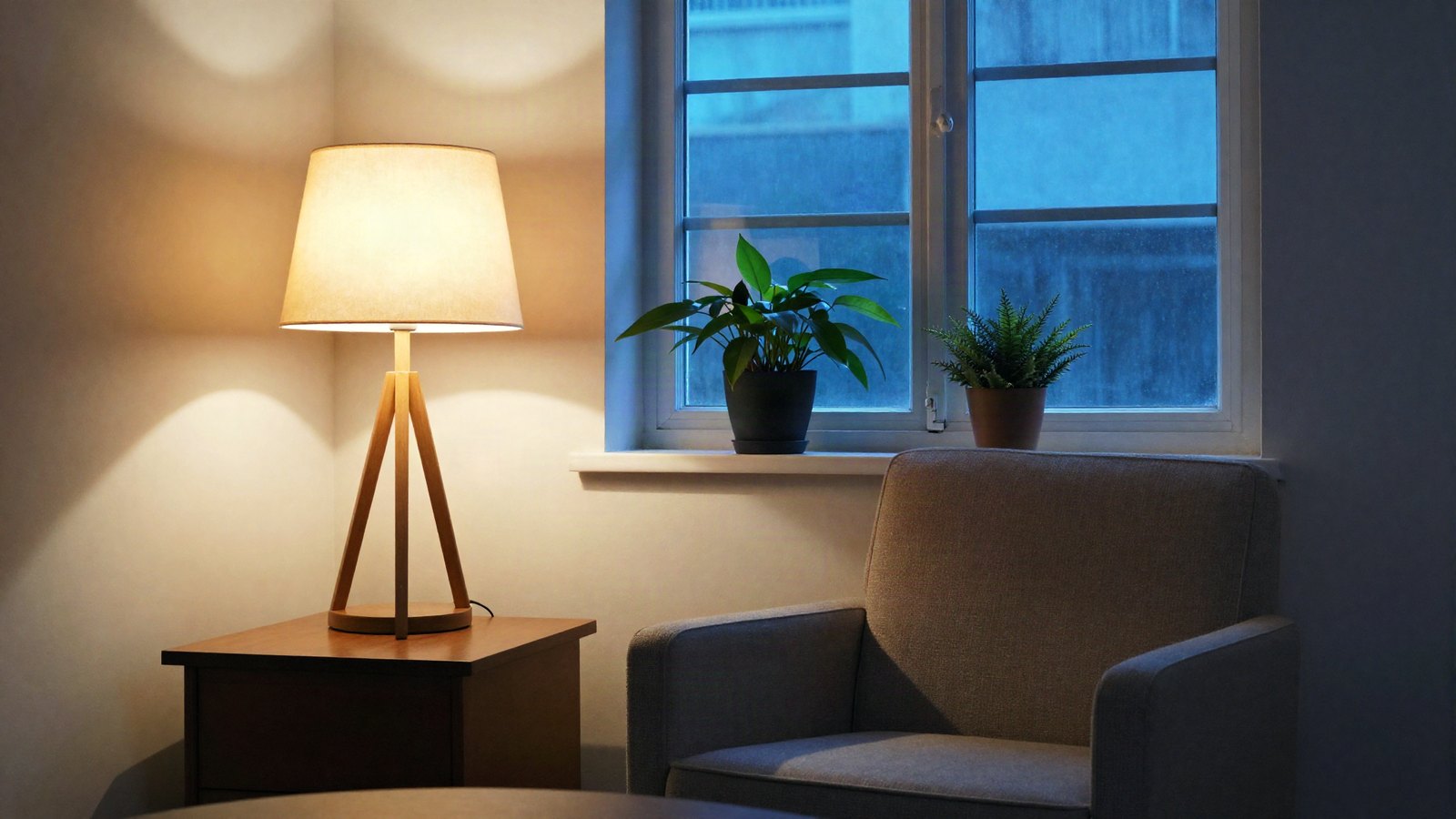
A preset only moves sliders by fixed amounts. These six adjustments make it fit each photo’s light, exposure and colors.
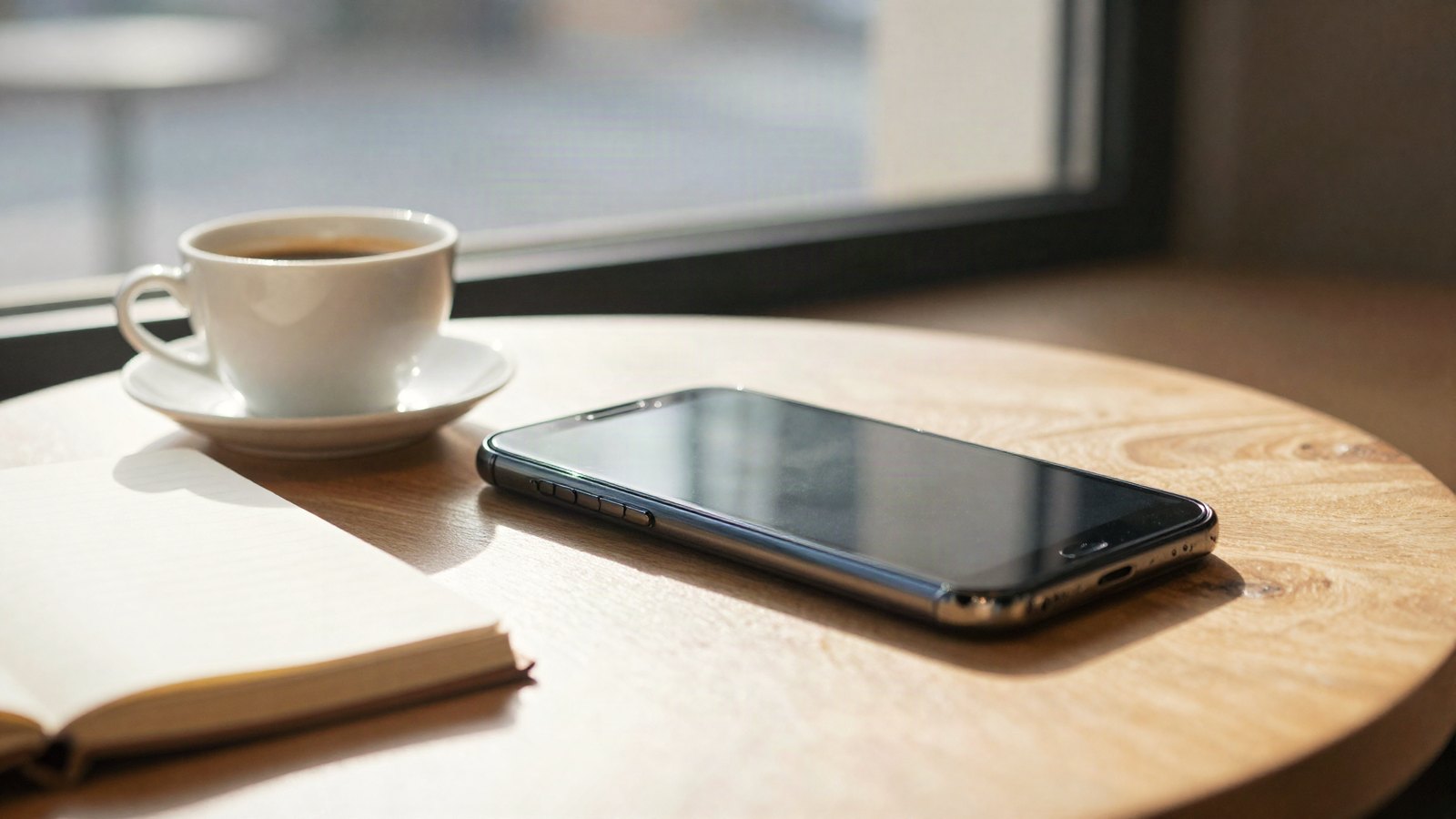
What every Lightroom mobile panel does, the order to edit in, and the starting slider values that give clean results in two minutes.
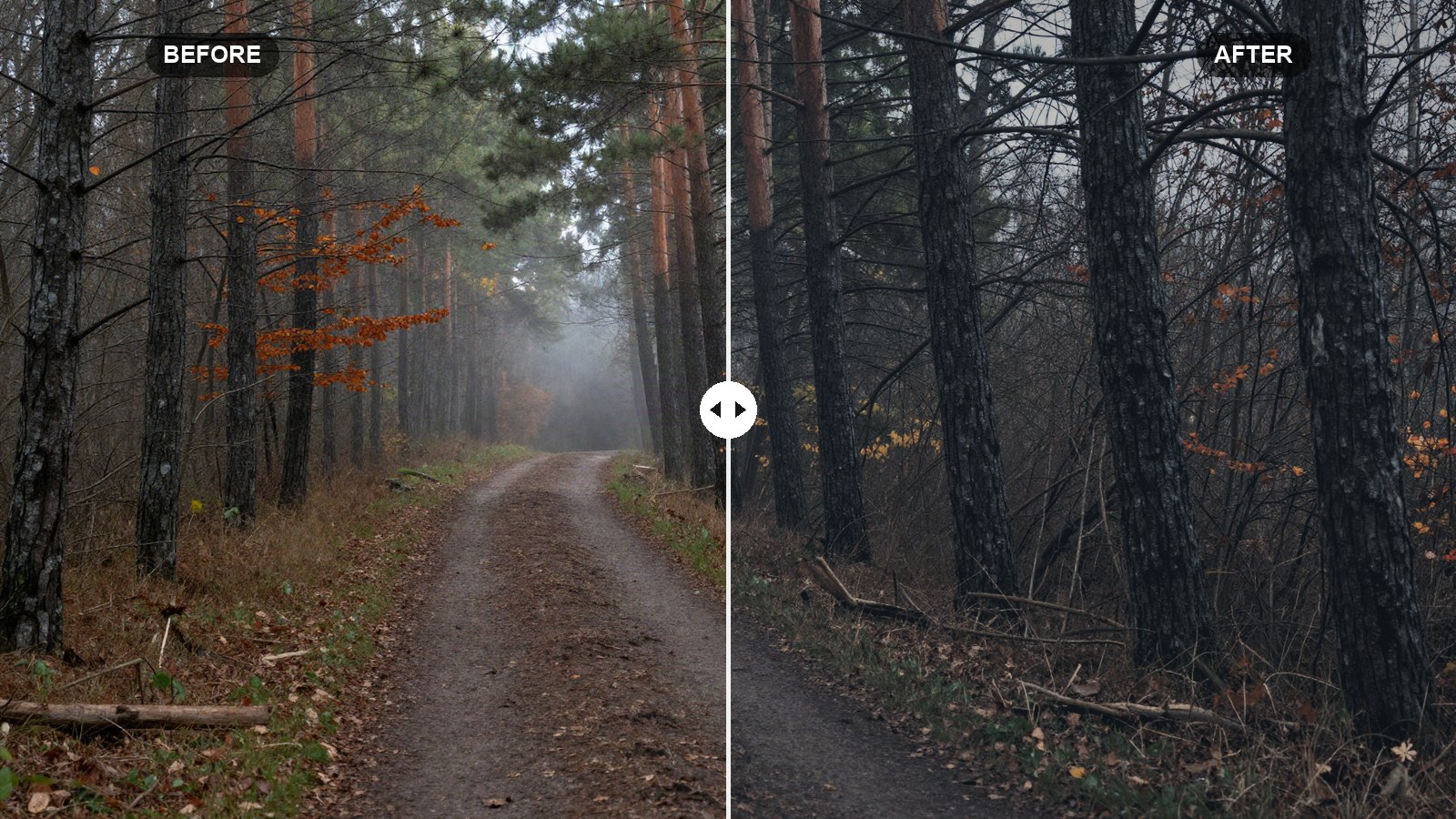
Exact slider values for a dark, muted, moody look in Lightroom, with the reasoning behind each setting and how to adapt it to your own photos.
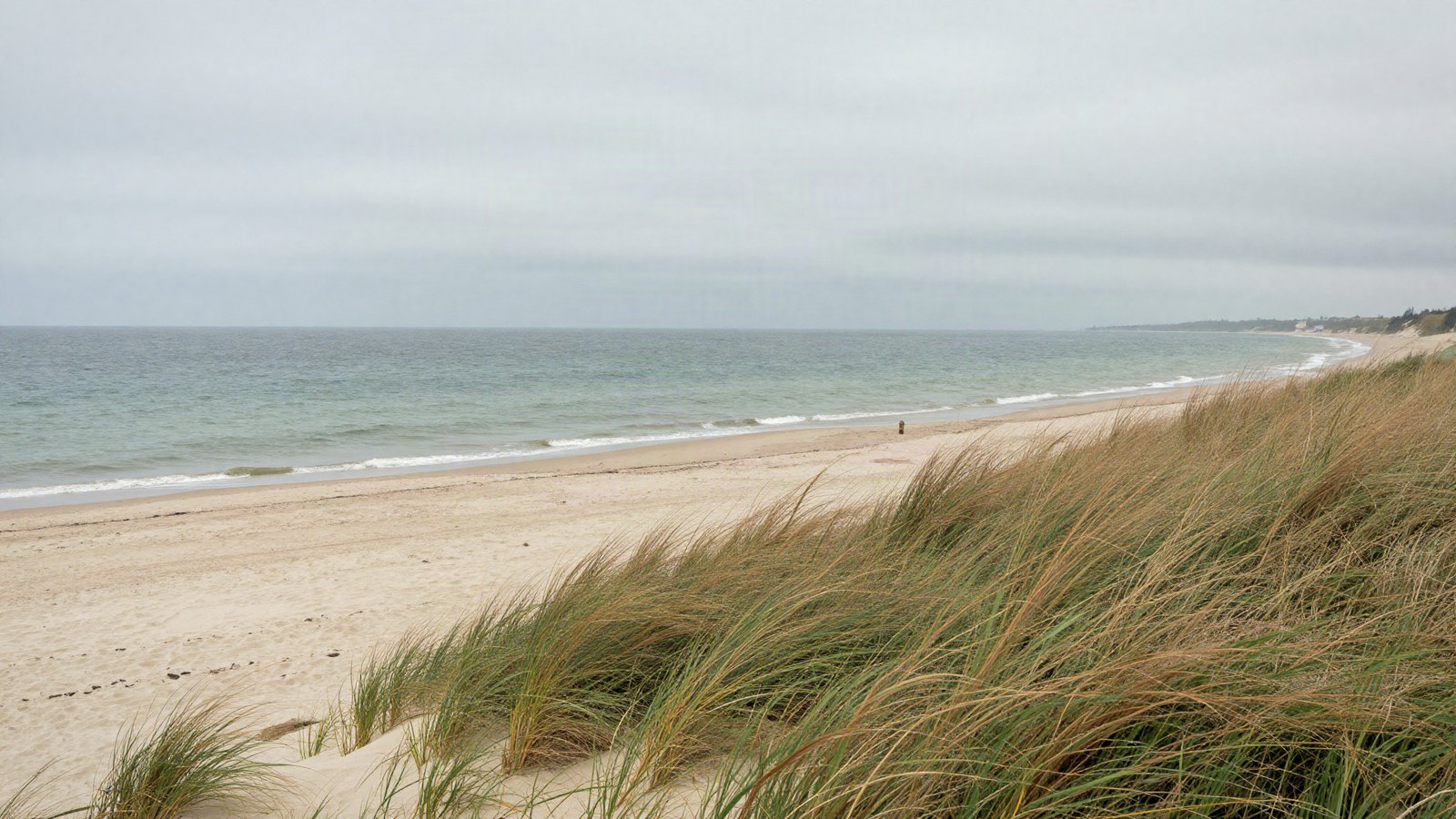
Profiles set how Lightroom renders your photo; presets move the sliders. Here is how they differ and how to use them together.
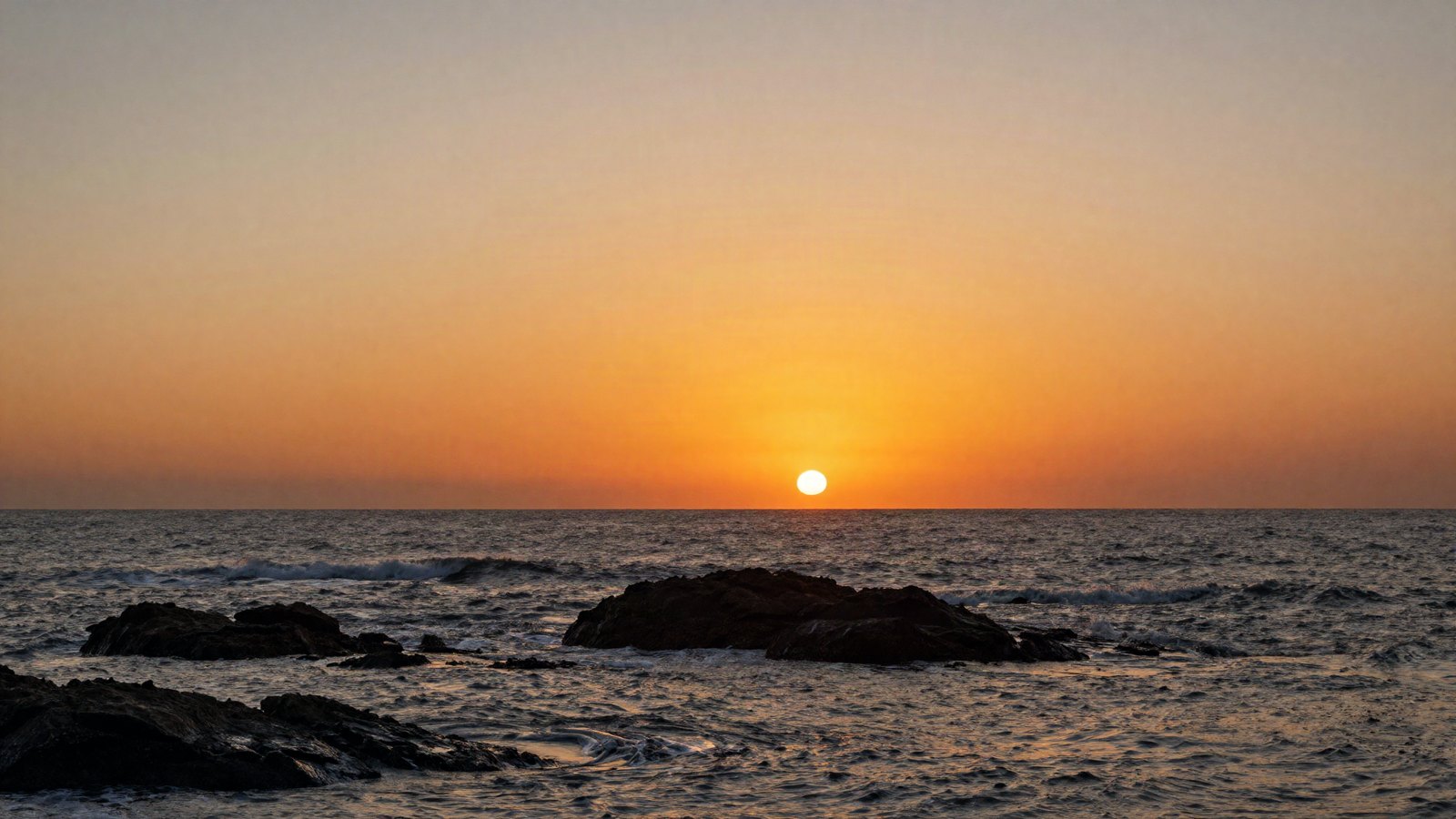
Why the same preset looks better on RAW than JPEG, and how to shoot RAW on your phone with Apple ProRAW or Android DNG.
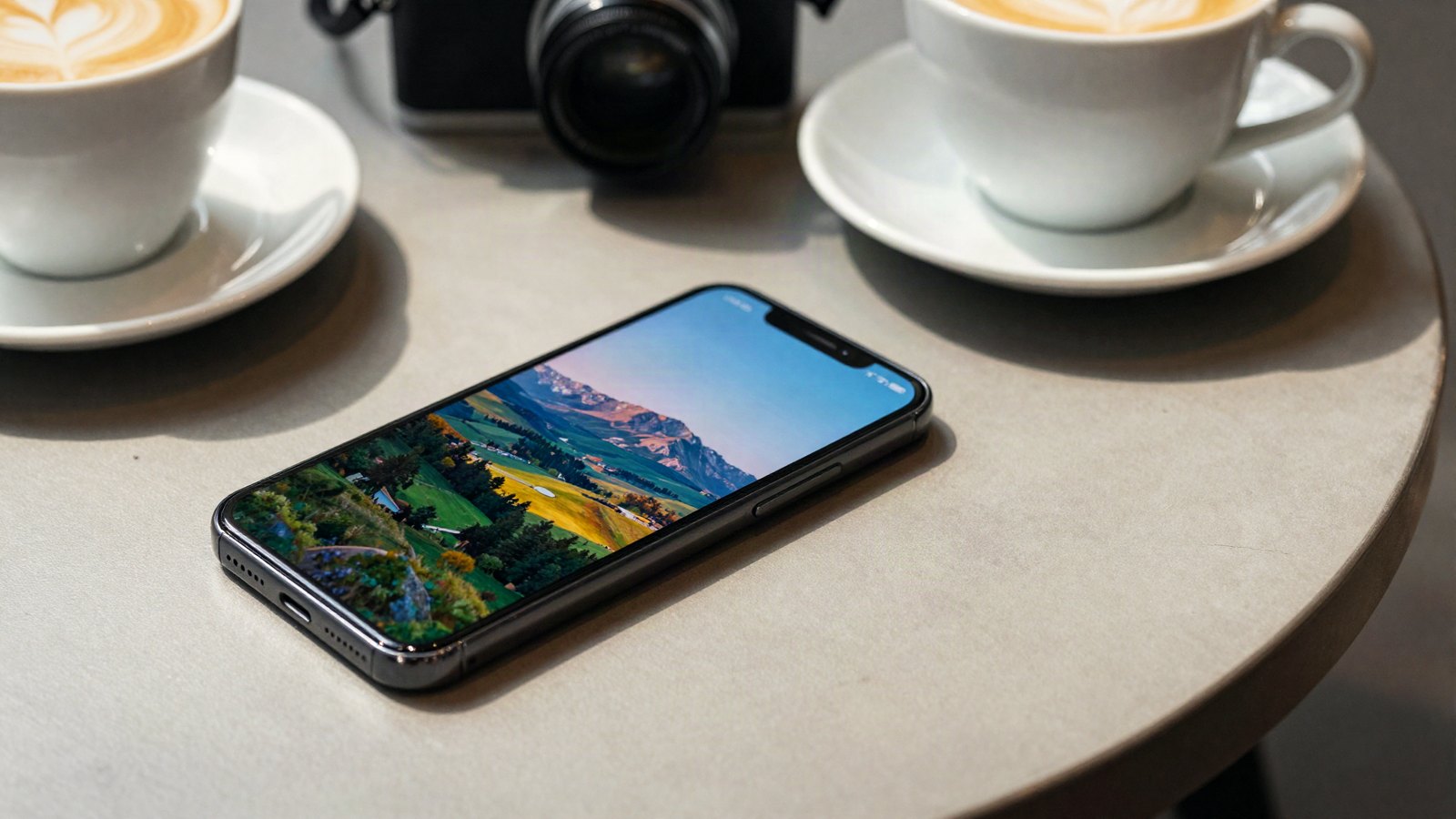
Three ways to get presets into Lightroom on iPhone and Android: direct XMP import, desktop sync, and the DNG copy-settings method.
Import .xmp, .zip and legacy .lrtemplate presets in Lightroom Classic and Lightroom desktop, and fix presets that will not show up.