Lightroom Sharpening Guide: Amount, Radius, Detail, Masking
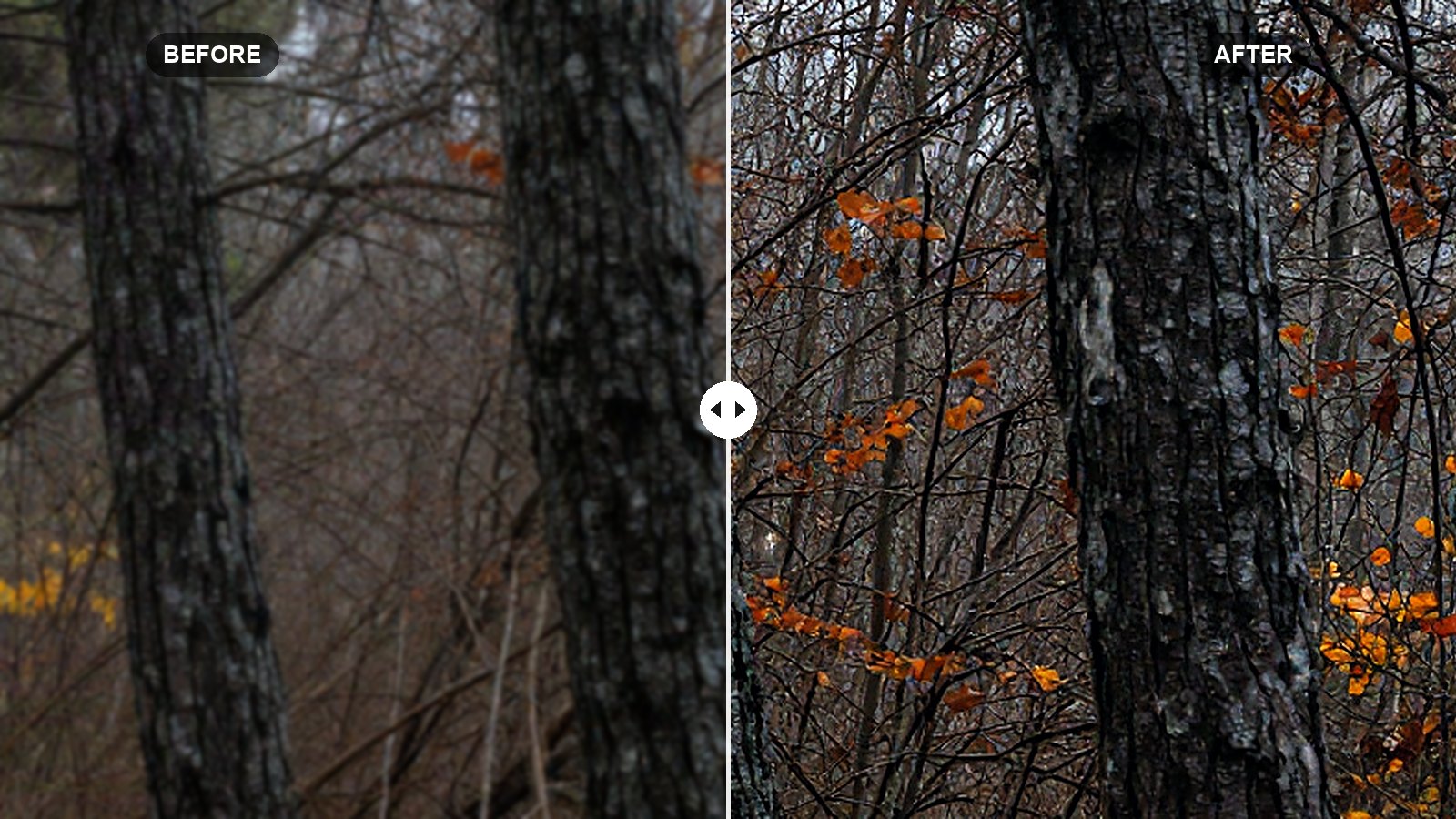
What each sharpening slider does, the Alt/Option preview that shows it, starting values for portraits and landscapes, and export sharpening.
 LR Presets Pro Editorial
What each sharpening slider does, the Alt/Option preview that shows it, starting values for portraits and landscapes, and export sharpening.
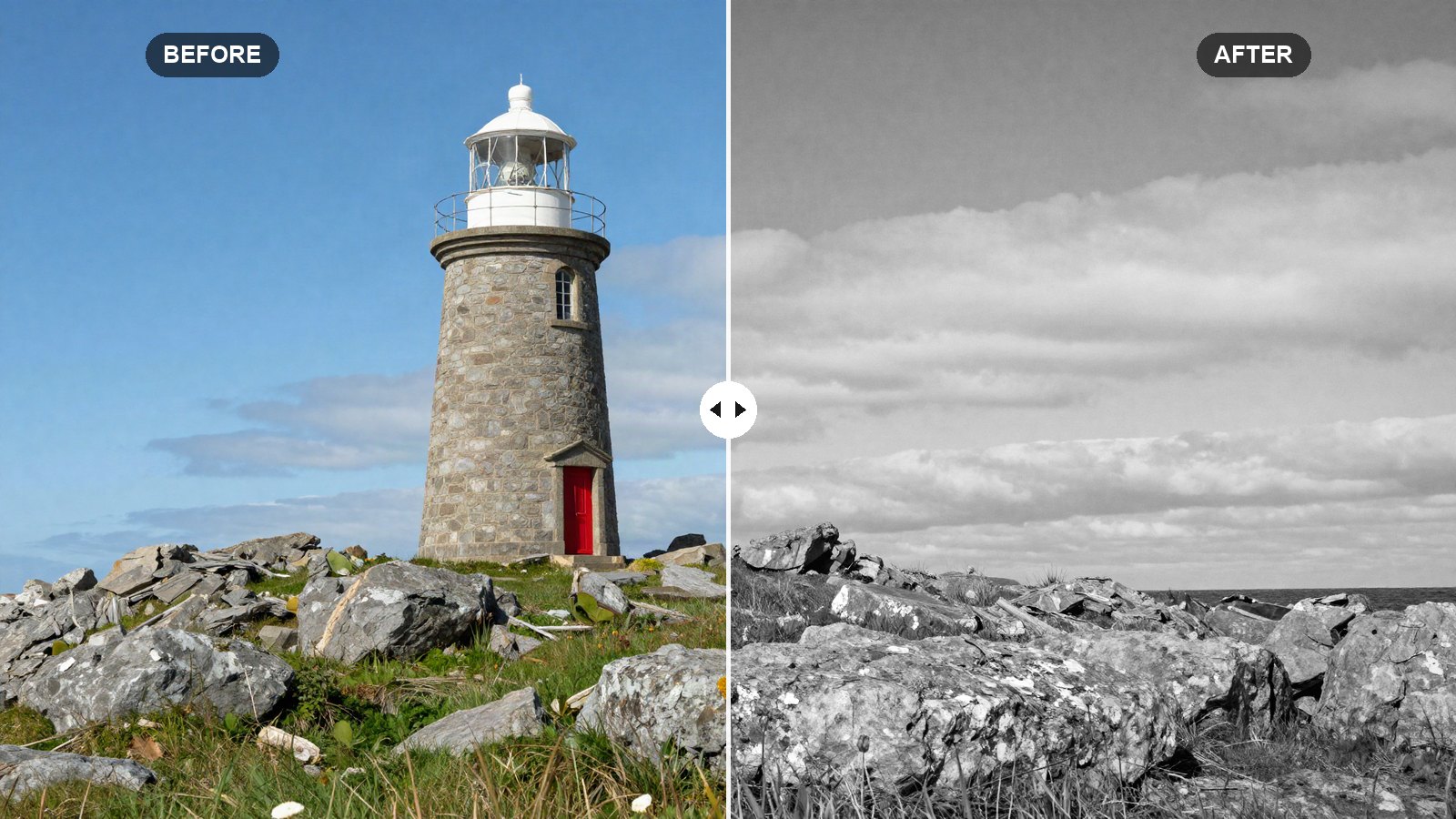
Our rich black and white Lightroom recipe, with exact tone, curve and B&W Mix values that turn colors into strong, separated shades of gray.
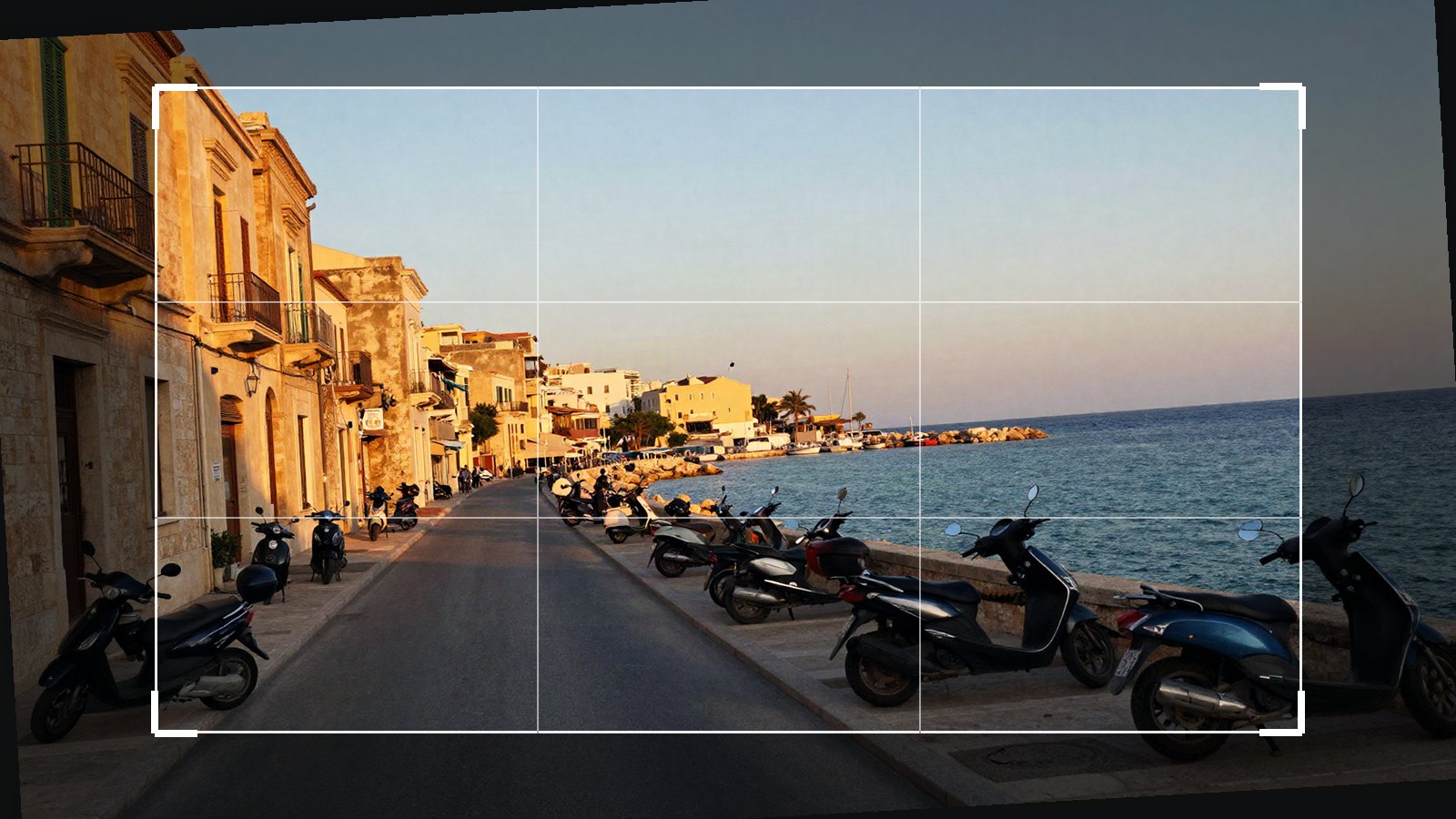
Level horizons, pick the right aspect ratio and fix leaning buildings with Upright and Guided Upright in Lightroom.
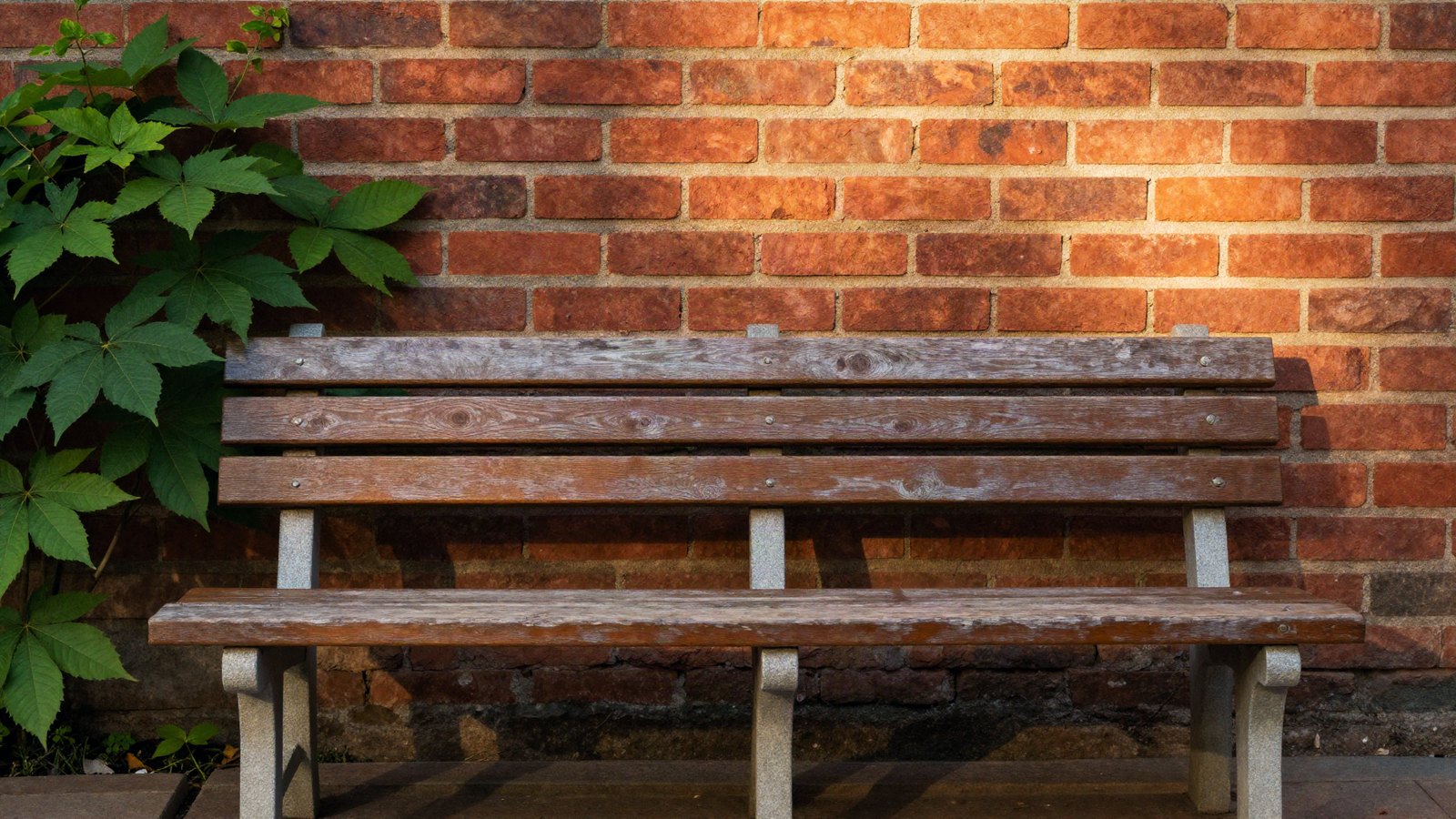
Fix orange, red or ashy skin with Lightroom’s HSL panel: which channels to use, safe starting values and how to protect the rest of the photo.
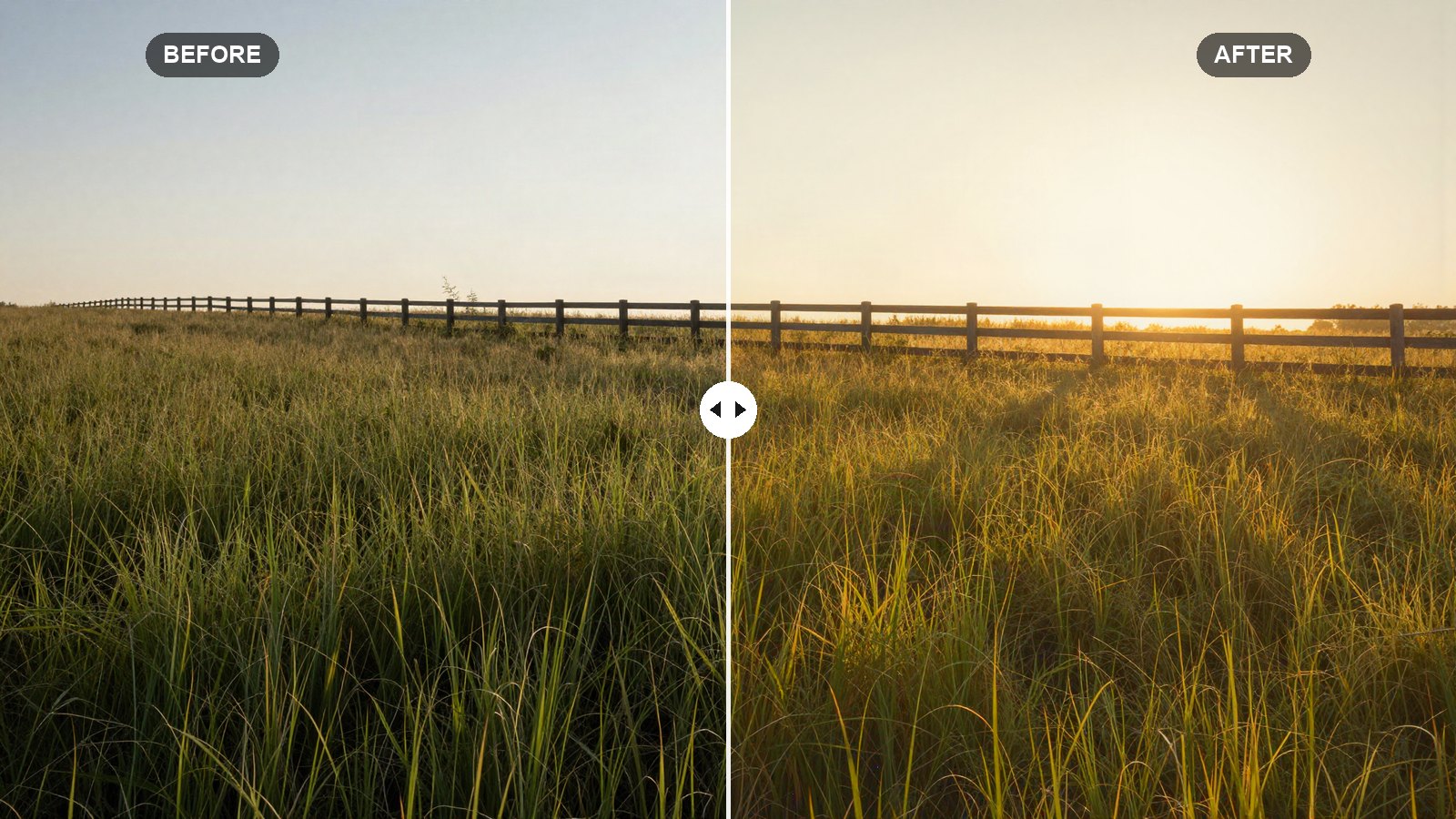
Exact Lightroom values for a soft, warm golden hour glow, with tips to boost real sunset light and add warmth to photos shot earlier in the day.
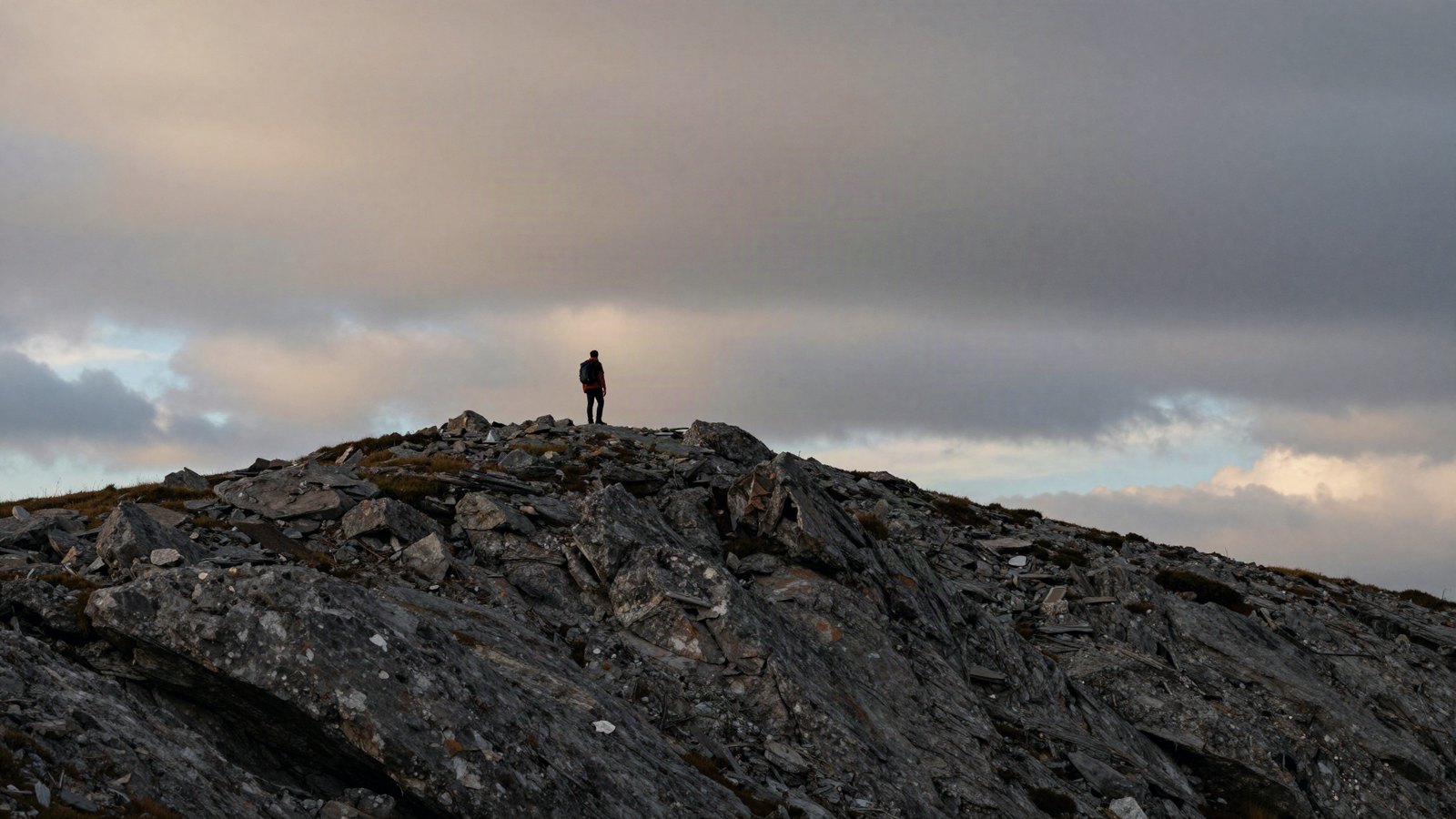
Every Lightroom mask type explained, from one-click Sky and Subject to brushes and gradients, plus how to combine them on desktop and mobile.
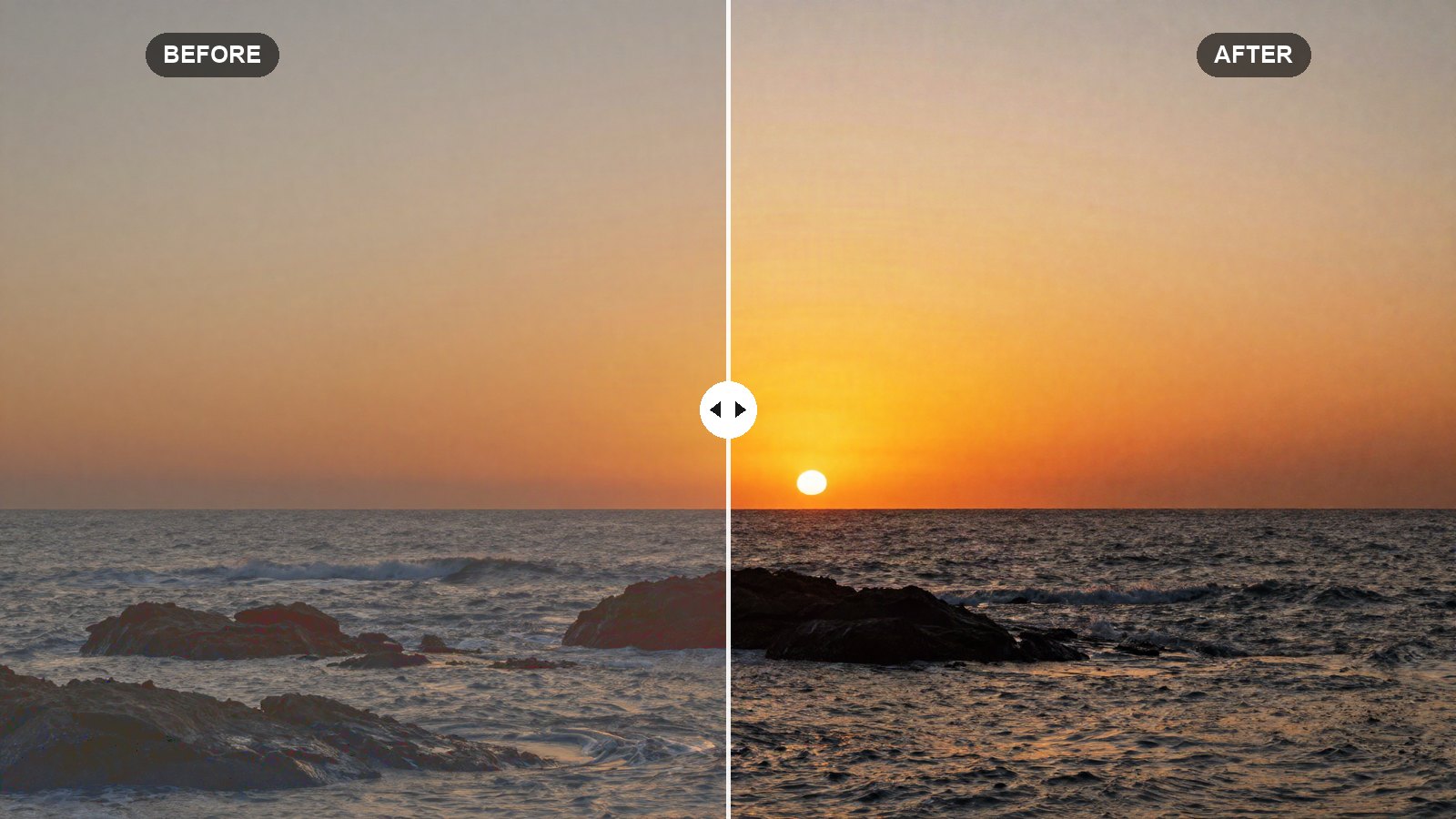
How Lightroom’s Tone Curve really works, with exact points for an S-curve, a matte fade and subtle RGB channel tints.
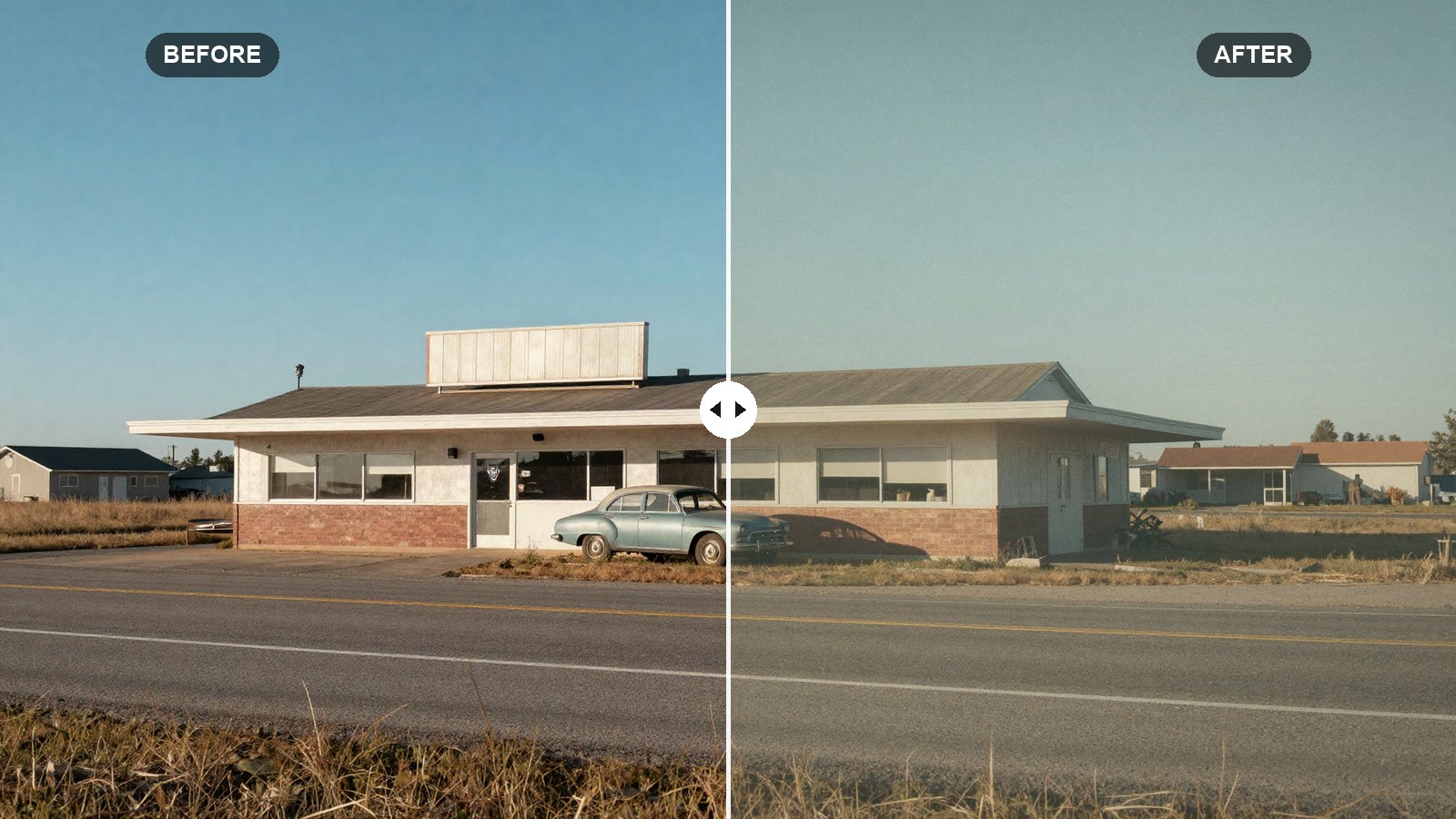
Faded blacks, warm highlights, muted blues and real grain: the exact Lightroom values we use for a warm vintage film look, explained slider by slider.
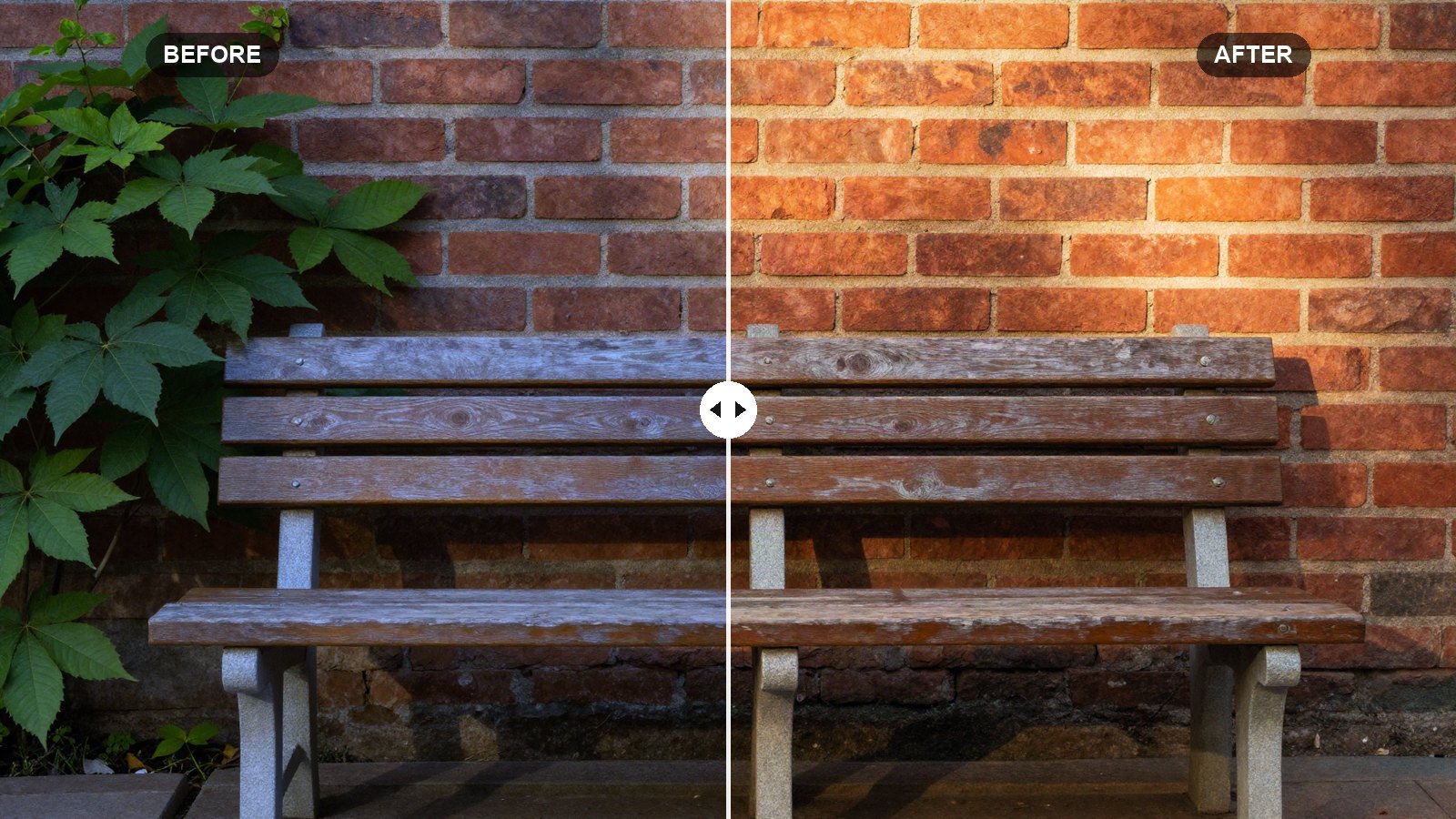
Fix color casts for good: Temp and Tint, the eyedropper, As Shot vs Auto, RAW vs JPEG, and masks for mixed light.
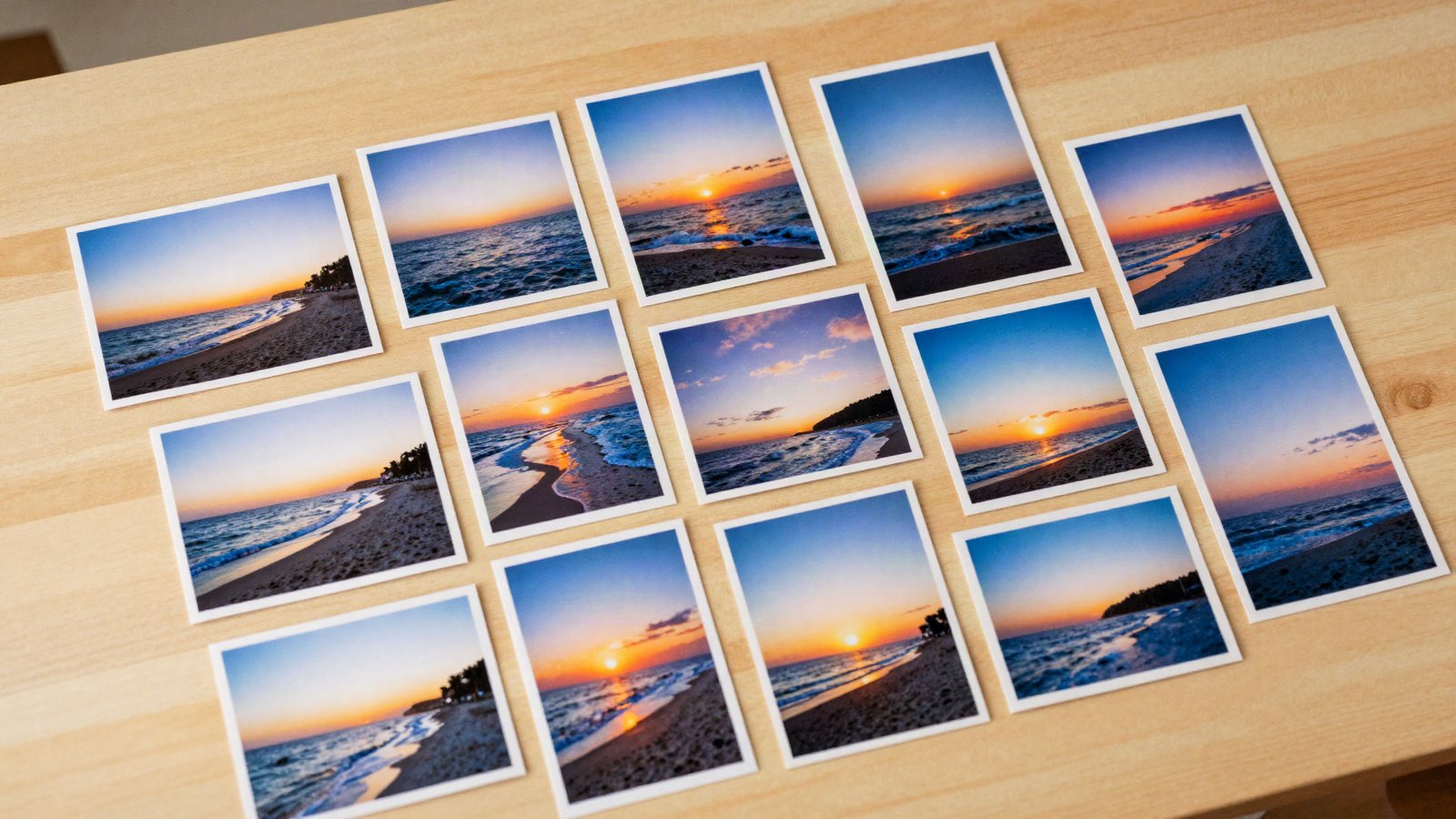
Edit one photo, then apply it to hundreds with Sync, Auto Sync, copy and paste, and presets on import.
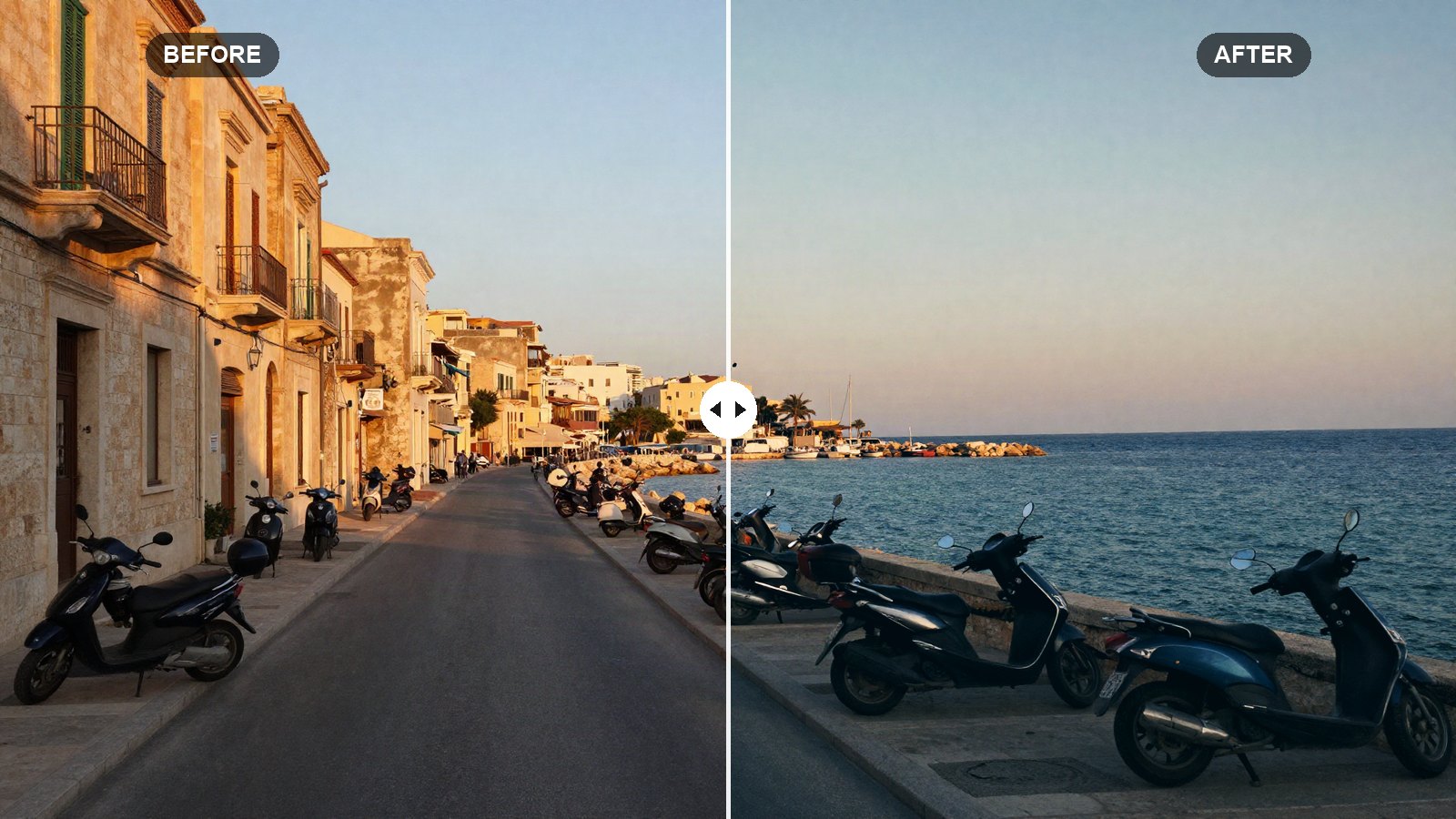
A slider-by-slider orange and teal recipe for Lightroom that gives city, travel and portrait shots a cinematic look without turning skin orange.
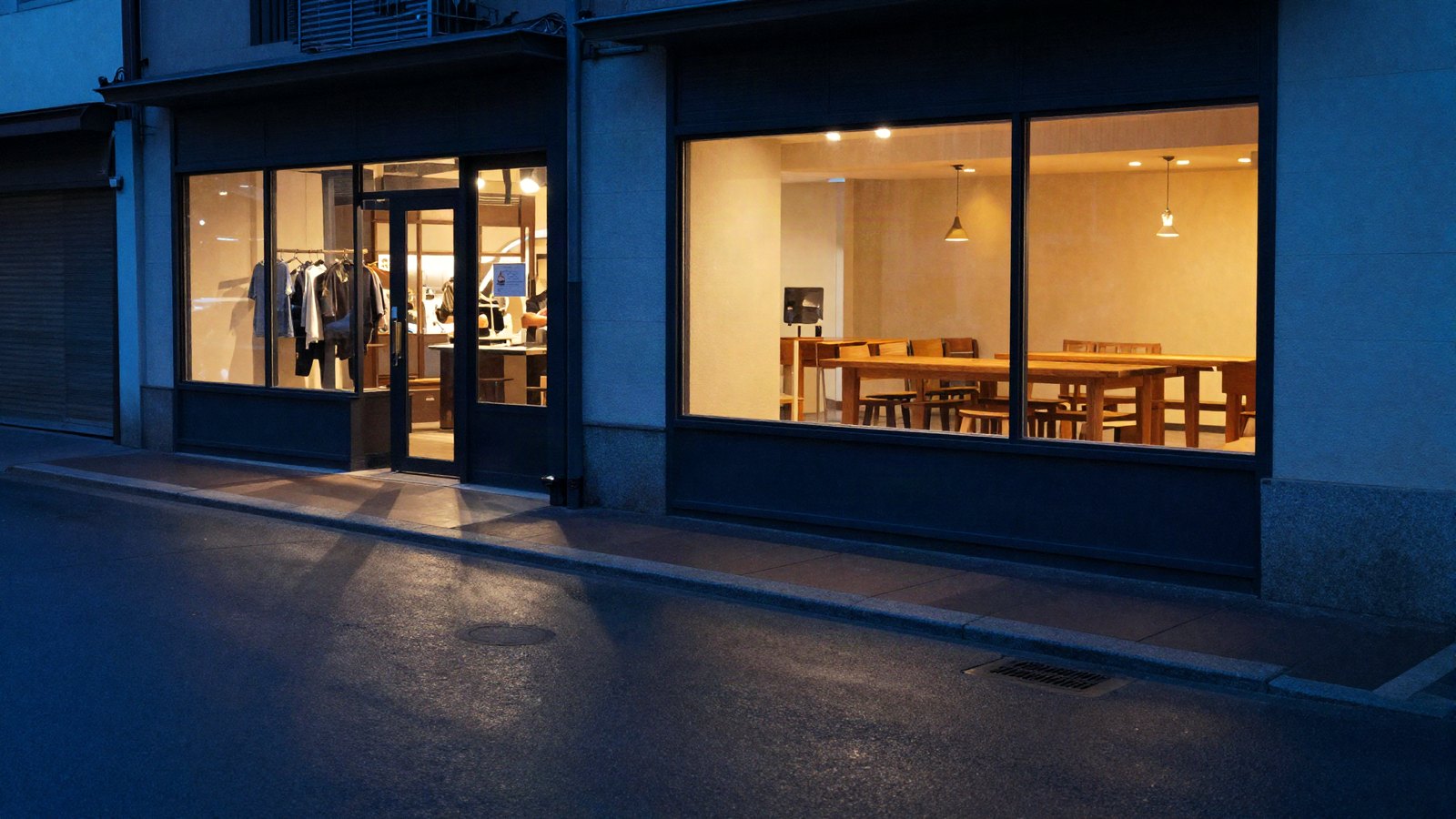
How Lightroom’s color wheels, Blending and Balance really work, with exact settings for teal and orange, warm film and cool moody looks.