Skip to content
LR Presets Pro
  • Preset Recipes
  • Lightroom Basics
  • Mobile Editing
  • Color Grading
  • Photography Tips
  • About

All Lightroom guides

Tutorials, preset recipes and editing tips, newest first.

Build Your Own Lightroom Preset Pack: Base Plus Variations
November 19, 2026 by LR Presets Pro Editorial
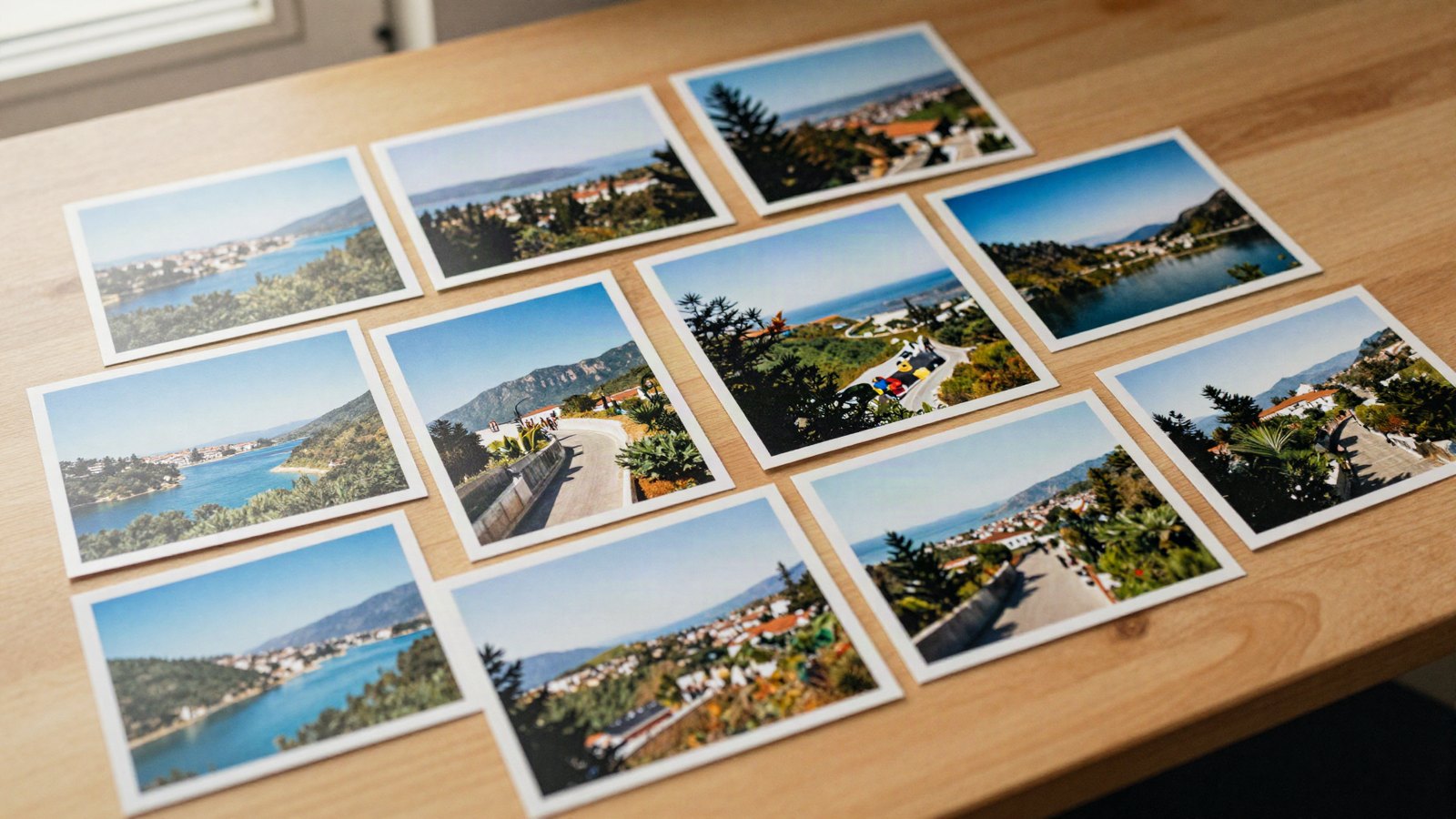
A grid of printed travel photos laid out on a light wooden table with a few prints overlapping and soft window light

Turn one look into a consistent family: a base preset, small controlled variations, names that sort themselves and a 20-photo test set.
Categories Preset Recipes Tags naming presets, preset pack, preset variations, testing presets

Edit Night Photos with Lightroom Presets: Noise and Lights

November 18, 2026 by LR Presets Pro Editorial
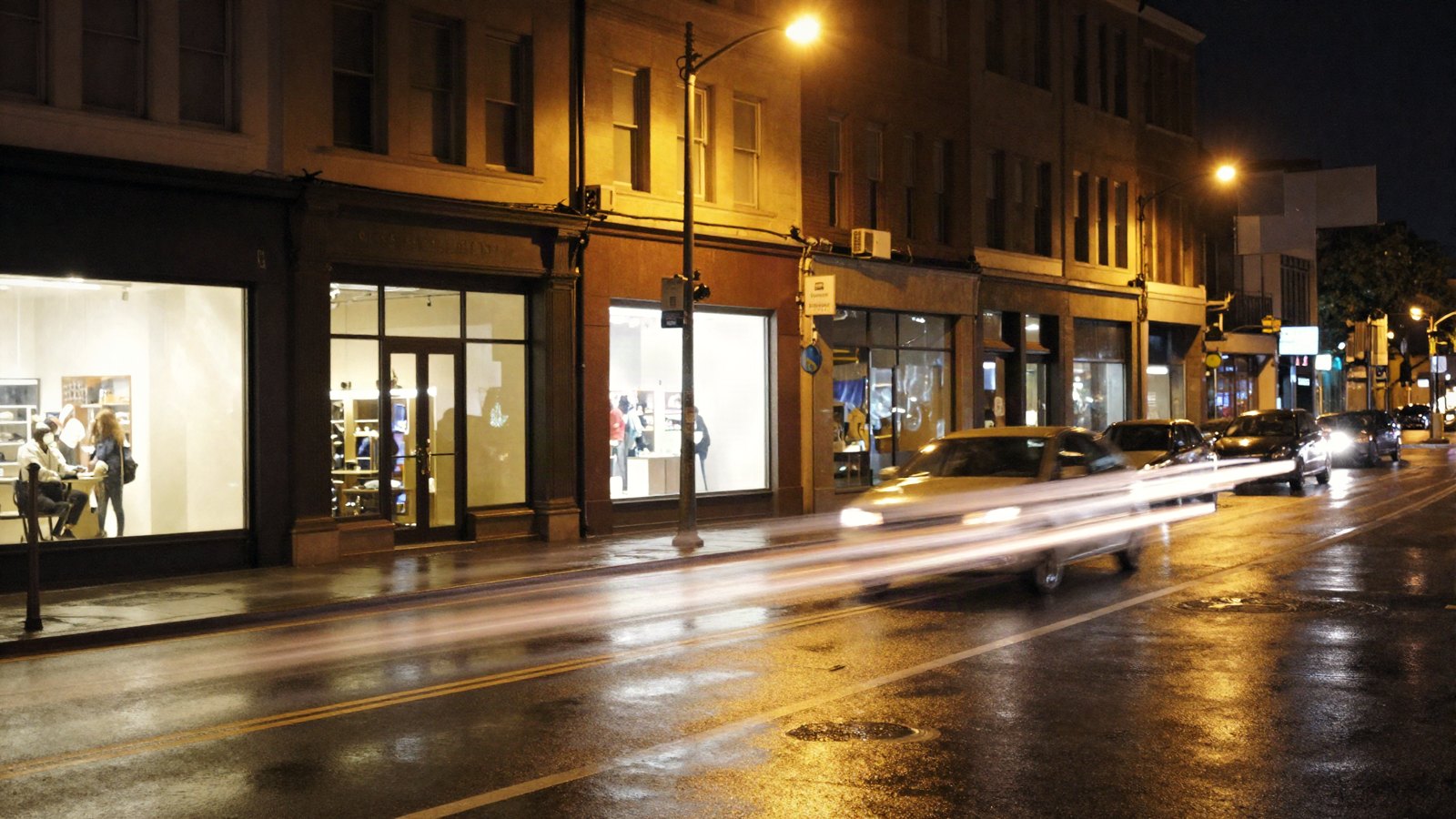
A wet city street at night with glowing shop signs, warm streetlights and light trails from passing cars

Daylight presets struggle after dark. Here is the order that works for night and city-light photos: noise, preset, white balance, highlights, masks.
Categories Preset Recipes Tags city lights, mixed lighting, night photography, noise reduction

Edit Landscape Photos with Lightroom Presets: Skies and Greens

November 16, 2026 by LR Presets Pro Editorial
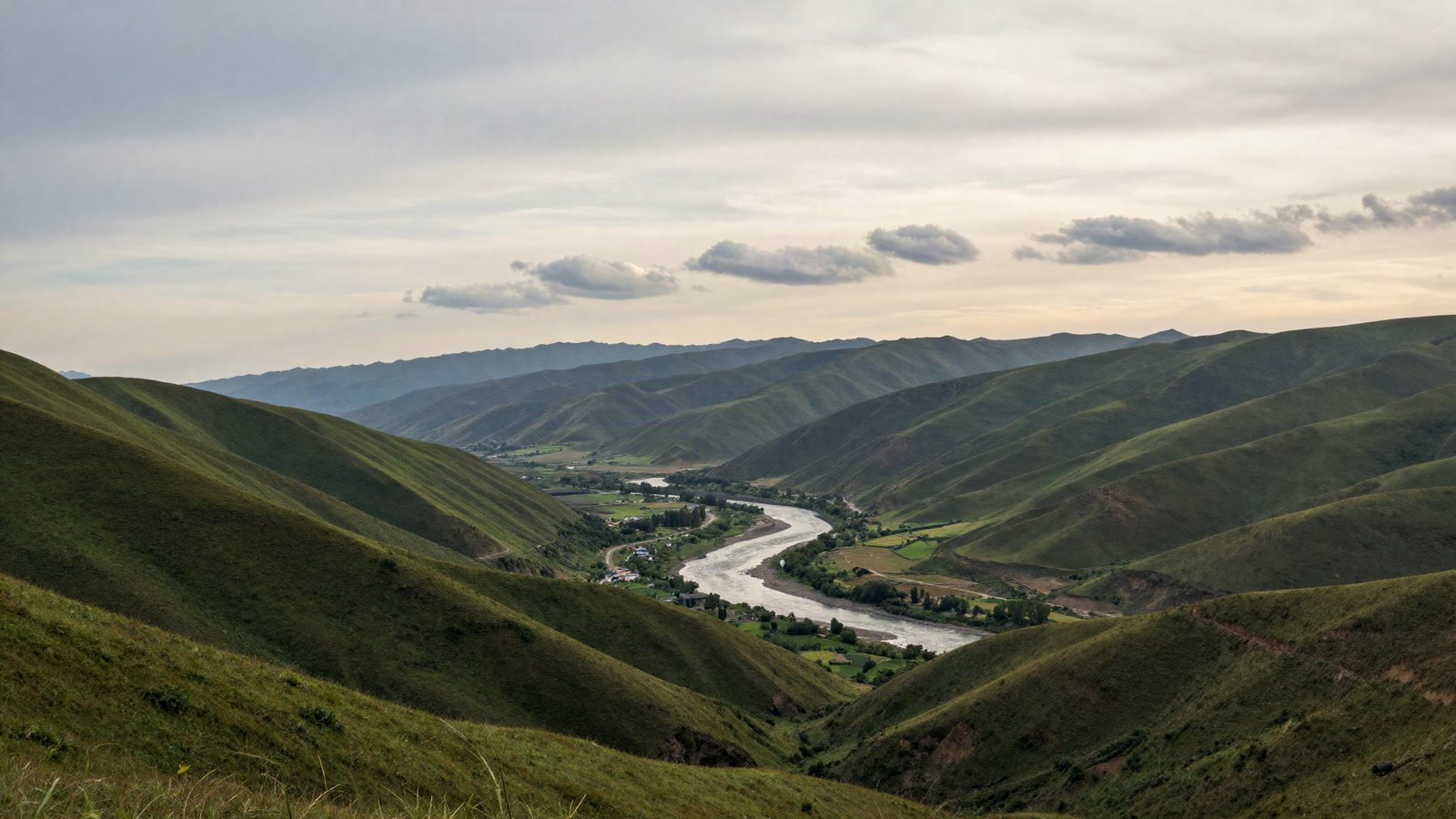
A wide valley with green hills, a winding river and scattered clouds over distant mountains in soft late-afternoon light

Apply a landscape preset, then fix what it can’t: a washed-out sky, neon greens and flat haze, with starting values for each.
Categories Preset Recipes Tags dehaze, hsl greens, landscape editing, sky mask

How to Export, Back Up and Share Lightroom Presets

November 15, 2026 by LR Presets Pro Editorial
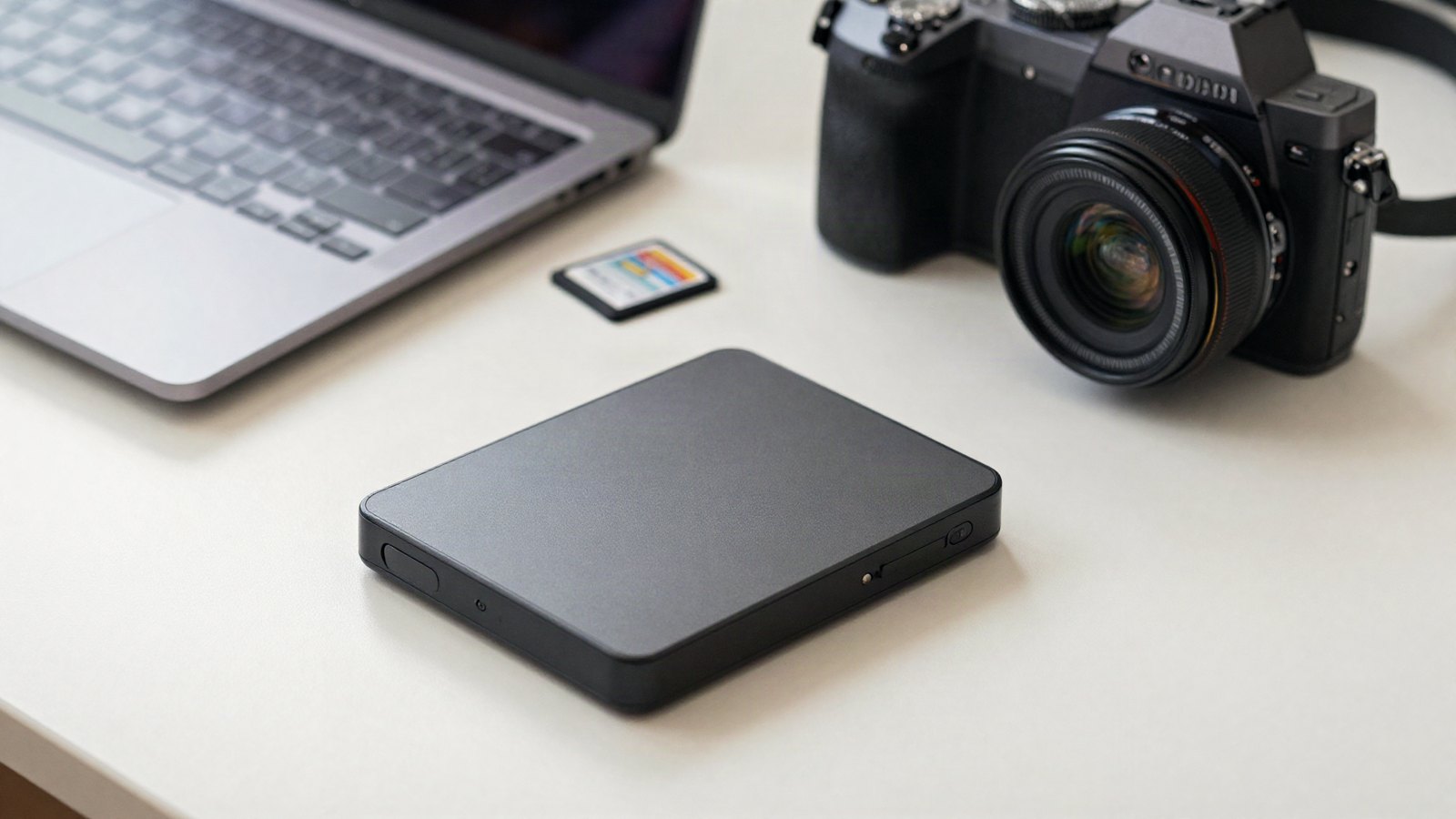
A laptop and an external hard drive on a tidy desk beside a camera and a few memory cards in soft daylight

Where your presets live, how to export them as .xmp files, a simple backup routine, and how to share presets that work on other people’s photos.

Categories Lightroom Basics Tags backup, export presets, new computer, xmp files

Lightroom Lens Blur Guide: Natural Background Blur

November 13, 2026 by LR Presets Pro Editorial
A cup of coffee on a cafe table by the window with a busy street and warm string lights in the background

Add believable background blur in Lightroom: Blur Amount, bokeh shapes, Focal Range and refining the AI depth map.

Categories Lightroom Basics Tags background blur, bokeh, depth map, lens blur

Edit Portraits With Lightroom Presets and Keep Skin Natural

November 12, 2026 by LR Presets Pro Editorial
A person sitting by a large window in soft daylight, seen in profile at medium distance, with a blurred plain wall behind

Keep skin natural when you use presets on portraits: white balance, Orange in HSL, People masks, gentle softening and a quieter background.
Categories Preset Recipes Tags adaptive portrait, people masks, portraits, skin tones

Lightroom Adaptive Presets: How They Work With Your Presets

November 10, 2026 by LR Presets Pro Editorial
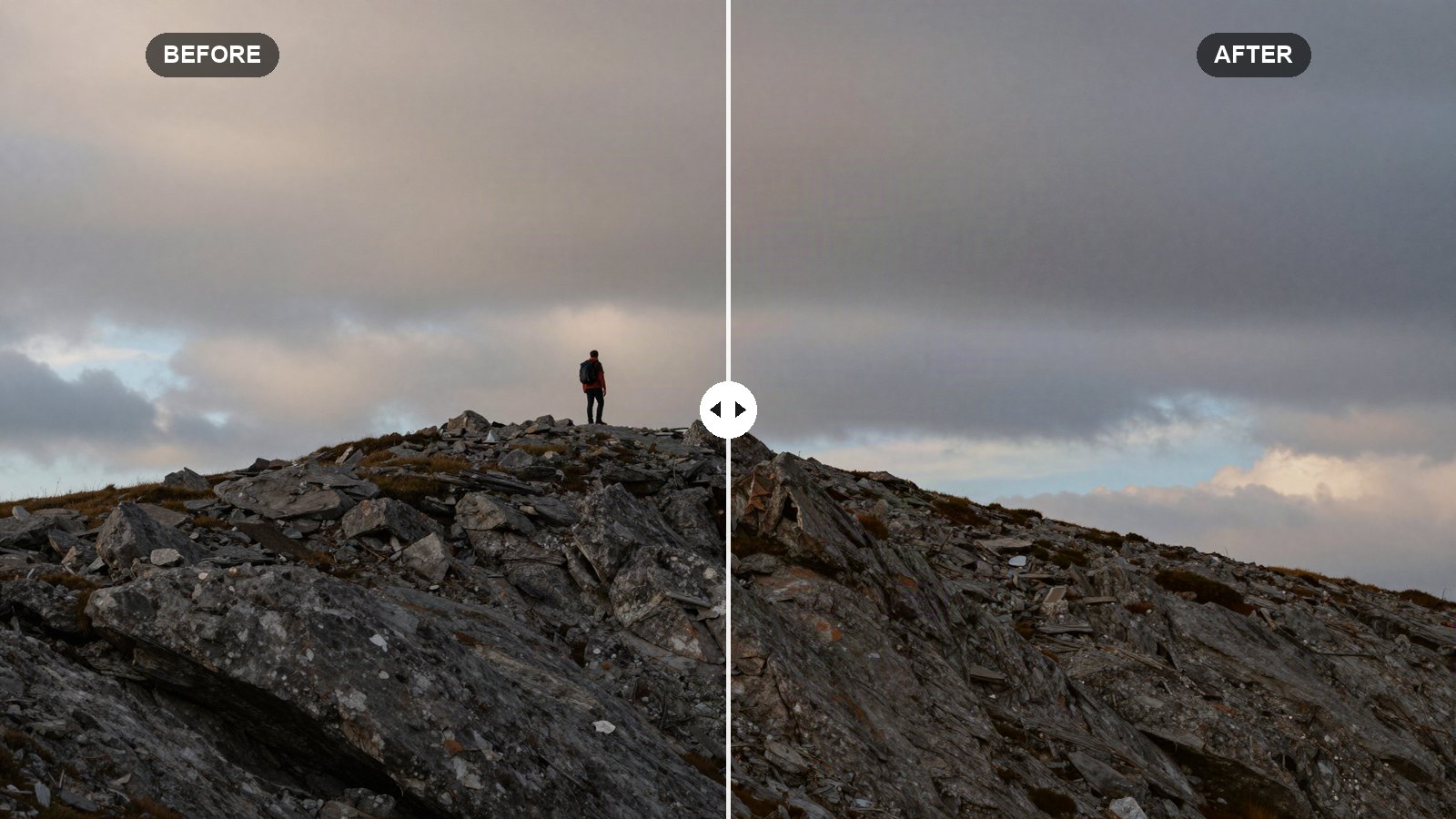
Before and after: a person in a red jacket standing on a grassy hill seen from behind and far away, under a big sky with scattered white clouds

Adaptive presets use AI masks to edit only the subject, sky or skin. Here is how they work and how to combine them with your own presets.

Categories Lightroom Basics Tags adaptive presets, ai masking, select sky, select subject

How to Create a Preset in Lightroom Mobile (iPhone, Android)

November 9, 2026 by LR Presets Pro Editorial
A phone lying on a wooden cafe table next to a coffee cup and a small camera, with soft window light falling across the table

Save your own presets right on your phone: the Create Preset flow, what each mobile section includes, smart groups and how syncing works.
Categories Mobile Editing Tags create preset, lightroom mobile, preset groups, sync presets

Lightroom Denoise Guide: AI Denoise vs Noise Reduction

November 7, 2026 by LR Presets Pro Editorial
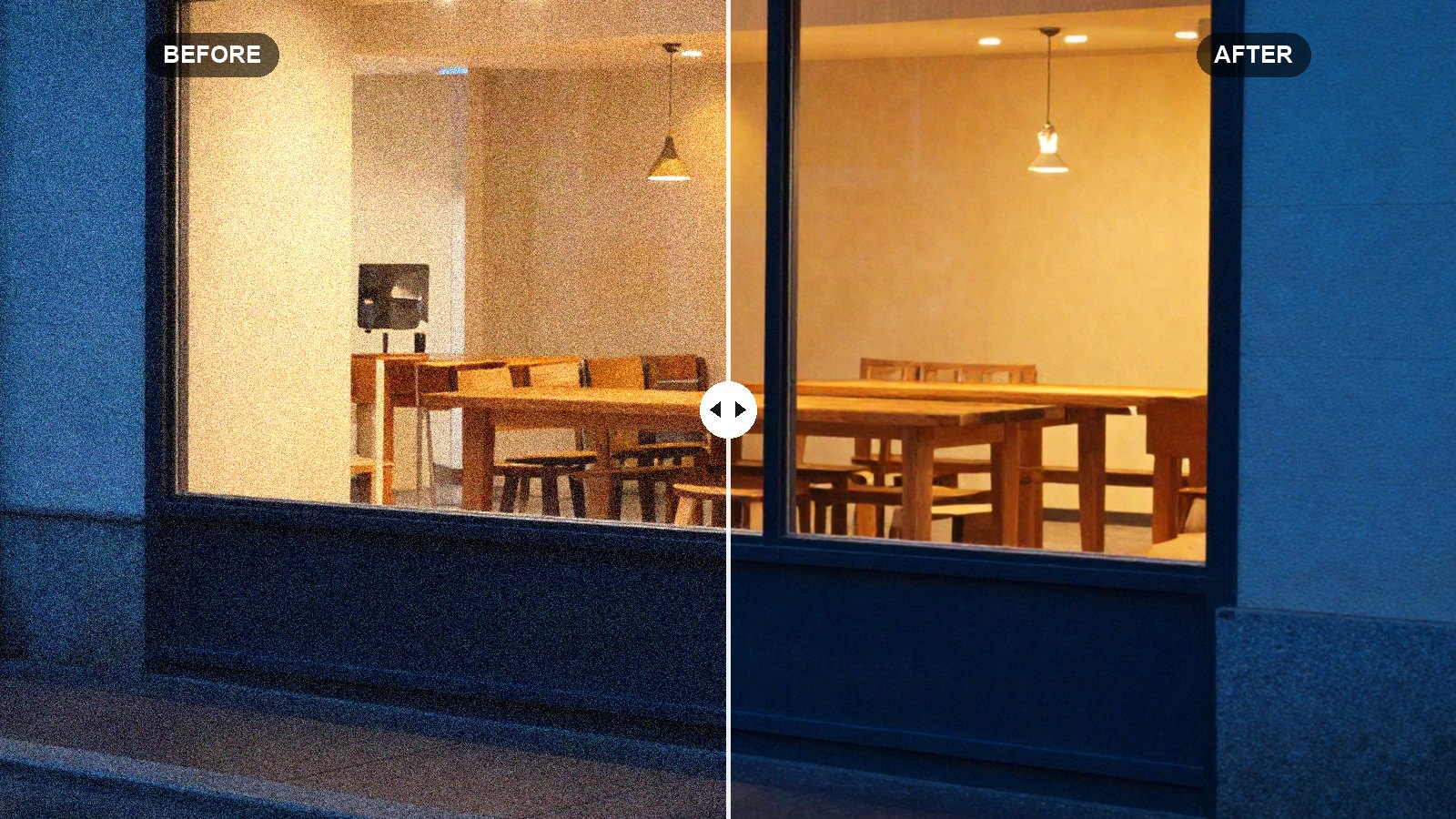
Before and after: a dim jazz bar stage at night with warm spotlights and deep shadows, shot handheld at high ISO

When to use AI Denoise, what Amount to pick, why it makes a new DNG, and when manual noise reduction is enough.
Categories Lightroom Basics Tags denoise, high iso, low light, noise reduction

Lightroom Remove Tool Guide: Heal, Clone and Generative AI

November 6, 2026 by LR Presets Pro Editorial
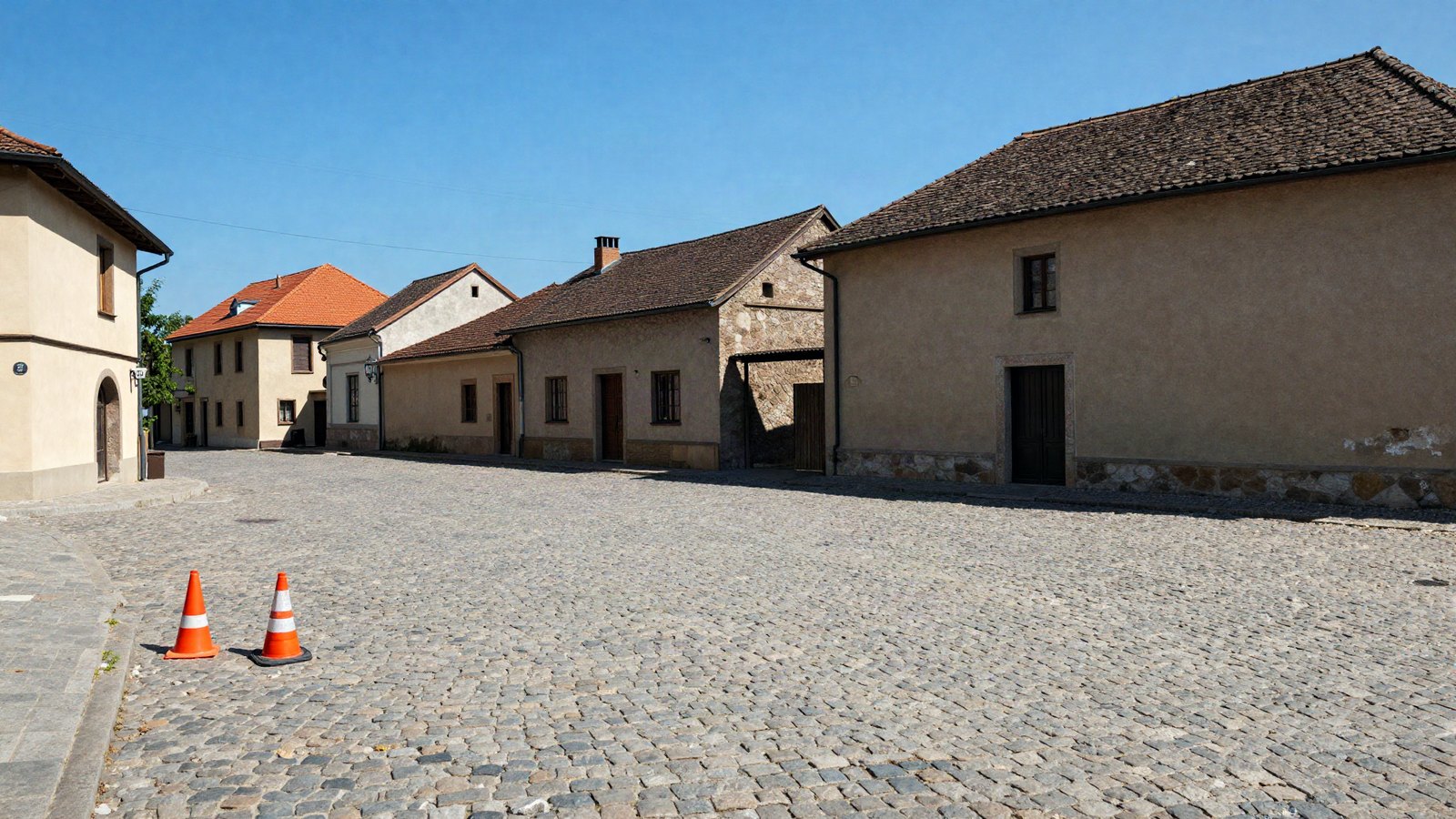
A quiet cobblestone square in an old European town with a stray traffic cone and power lines across a clear blue sky

Content-Aware Remove, Heal, Clone or Generative Remove? Which mode to pick, the settings that matter, and fixing dust fast.
Categories Lightroom Basics Tags dust spots, generative remove, healing, remove tool

How to Edit Photos With Presets: A Step-by-Step Workflow

November 4, 2026 by LR Presets Pro Editorial
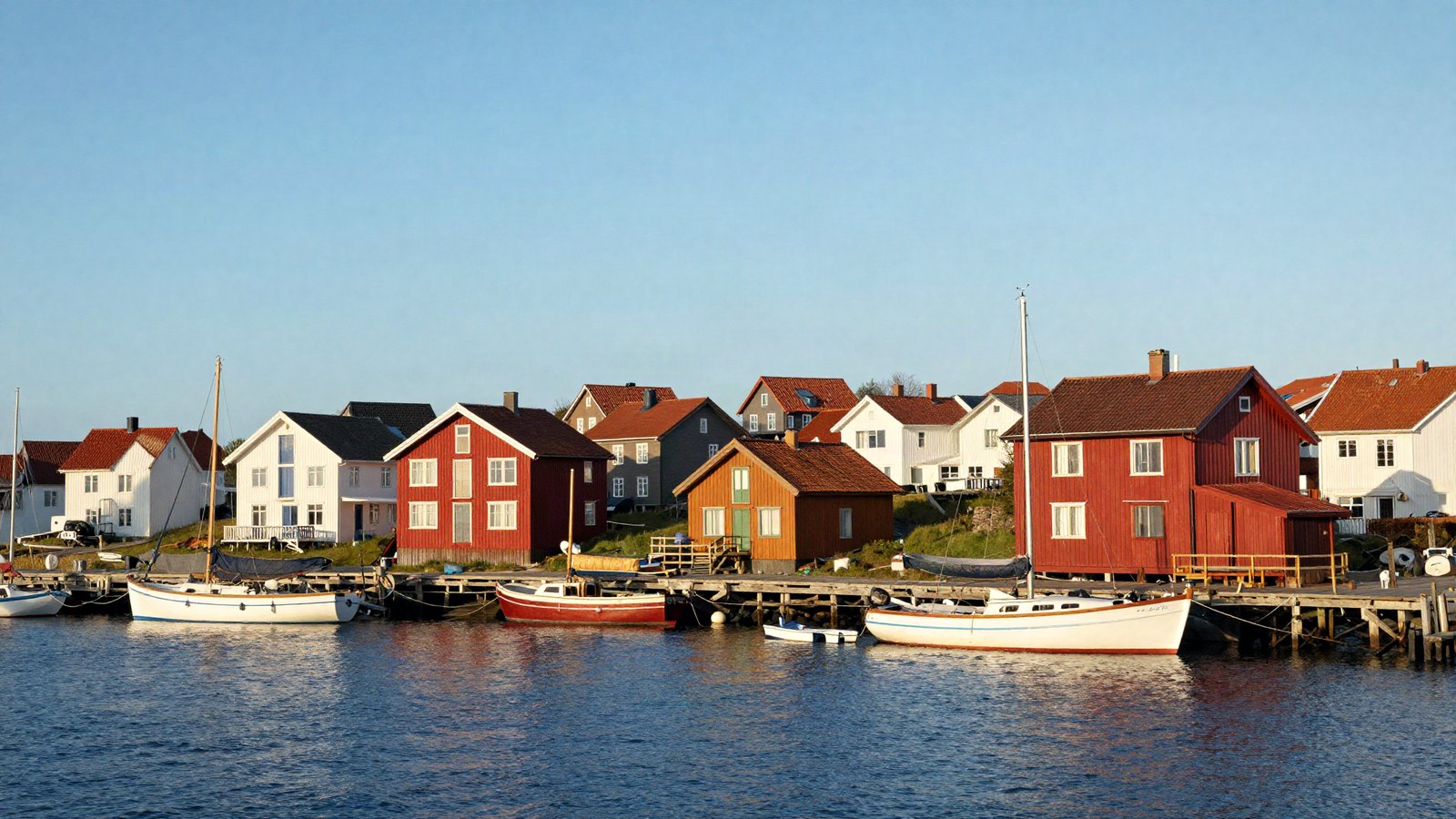
A small harbor town waterfront in late afternoon light with colorful houses, moored boats and calm water

The full preset workflow we use on almost every photo, from picking a preset and setting its Amount to masks, finishing touches and export.

Categories Preset Recipes Tags editing workflow, export, presets, white balance

Consistent Instagram Feed with Lightroom Presets: 7 Steps

November 3, 2026 by LR Presets Pro Editorial
A flat lay of a linen tablecloth with a ceramic mug, dried flowers and an open book in soft neutral daylight

One preset is not enough for a cohesive grid. Here is the 7-step Lightroom workflow that keeps every post the same brightness, warmth and palette.

Categories Photography Tips Tags consistent editing, export settings, instagram feed, presets
Older posts
Page1 Page2 Page3 Next →
LR Presets Pro

Free Lightroom preset recipes, exact slider settings and plain-English editing guides for Lightroom Classic, Lightroom desktop and Lightroom mobile.

LR Presets Pro is an independent site and is not affiliated with or endorsed by Adobe. Adobe and Lightroom are trademarks of Adobe Inc.

Topics

  • Preset Recipes
  • Lightroom Basics
  • Mobile Editing
  • Color Grading
  • Photography Tips

Site

  • About Us
  • Contact Us
  • Privacy Policy
  • Terms of Use
  • Disclaimer
  • Cookie Policy
© 2026 LR Presets Pro. All rights reserved.

We use cookies for basic site features and to show ads. Learn more